Business cards
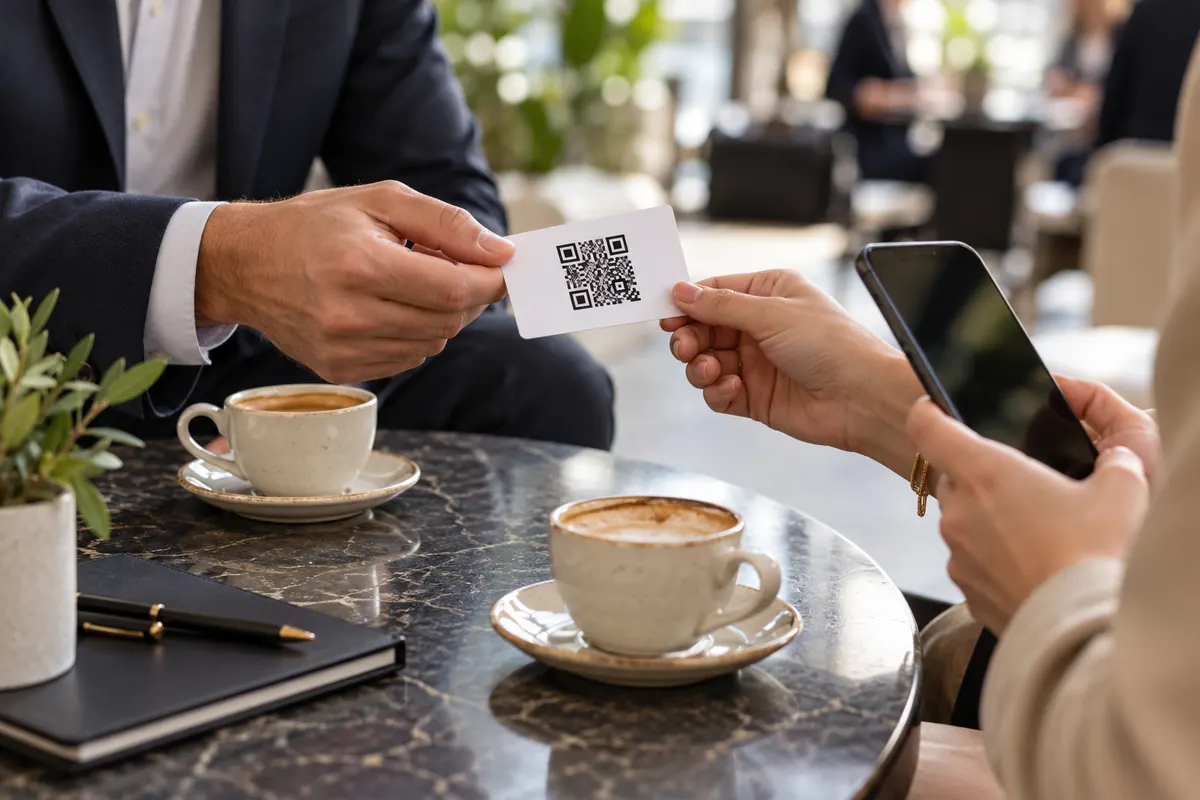
Add the code so a paper card becomes a saved contact, not a note to type later.
Your digital business card. Fill in your details, style your code, download in high resolution. One scan saves your full contact to any phone — no typing.
Your details
Design
Low contrast: phones may not find the code. Pick a darker corner color.
Everything on this page happens in your browser: nothing is uploaded and nothing is installed.
Add your name, phone, email, company and website. The QR code updates live as you type.
Keep the clean look or pick your own colors, background, dot shapes and corners. Swap the center icon for your own logo.
Export a crisp 2048px PNG for screens and social, or a vector SVG that stays sharp at any print size — both free, both watermark-free.
Paper cards get lost and contacts get mistyped. A vCard QR code saves your name, number, email and company straight into someone's phone — instantly and correctly.
Put your vCard QR code anywhere you introduce yourself — every scan lands your details in someone's phone.
Add the code so a paper card becomes a saved contact, not a note to type later.
Let recipients save your full details from any device with a quick scan.
Turn conference badges into instant contact swaps — no fumbling with cards.
Keep the code on your lock screen so you can share contacts anytime, anywhere.
Let visitors save the business contact on their way in or out.
Drop it on your closing slide so the audience can connect before they leave.
A vCard QR code holds your contact details so people can save them to their phone with one tap.
Adding too many fields. Dense codes need to be printed larger.
The code carries the contact card itself, not a link. The phone shows “Add contact” with these fields prefilled. Every field you add makes the code denser.
BEGIN:VCARD
VERSION:3.0
FN:Jane Doe
TEL;TYPE=CELL:+15550100
EMAIL:[email protected]
END:VCARDA realtor prints the code on the back of her cards at 22 mm. A client scans it across the table and the contact is saved with her phone and email. When her number changes she reprints the card — the old code keeps the old number.
Each extra field adds data. Remove the address or the second number and the code gets simpler and easier to scan at small sizes.
Yes. Both show an “Add contact” screen with the fields filled in.
It's a QR code that holds a full contact card (the vCard format). When scanned, the phone offers to save your name, phone, email, company, website and more as a new contact — like a digital business card.
Fill in your details in the generator above — a name is enough to start. The code updates live. Style the colors, shapes and center icon if you like, then download it as PNG or SVG.
Their phone shows a contact preview with all your details and an "Add Contact" (or "Create Contact") button. One tap saves you to their address book — no typing required.
At minimum a name, plus a phone or email. Company, job title, website and address are optional but make your card more useful. Only the fields you fill in are added to the code.
Yes. The code is built entirely in your browser — nothing you type is uploaded or stored. The details live only inside the QR code you download, so share it wherever you're happy for people to have them.
Yes — completely. No sign-up, no watermark, no scan limits and no expiry on the code. You can create and download as many as you want, for personal or commercial use.
Your vCard QR code takes about a minute — and it's completely free.