Cafés & restaurants
Pop it on the table tent or menu so customers get online the moment they sit down.
Enter your network name and password, style your code, download in high resolution. Guests connect in one scan — no passwords to type or spell out.
Your network
Design
Low contrast: phones may not find the code. Pick a darker corner color.
No account, no app, nothing to install — the whole tool runs right here in your browser, so your password never leaves your device.
Type your network name, pick the security type and add the password. The QR code appears instantly in the live preview.
Keep the clean look or pick your own colors, background, dot shapes and corners. Swap the center icon for your own logo.
Export a crisp 2048px PNG or a vector SVG, then put it on a card, sign or sticker. Guests scan and connect — no typing.
"What's the WiFi?" is the most-asked question in every café, office and rental. A QR code answers it once — guests scan and they're online.
Print your WiFi QR code once and put it wherever guests arrive — every placement saves you from reading out the password again.
Pop it on the table tent or menu so customers get online the moment they sit down.
Add it to the welcome book or fridge so Airbnb and hotel guests connect on arrival.
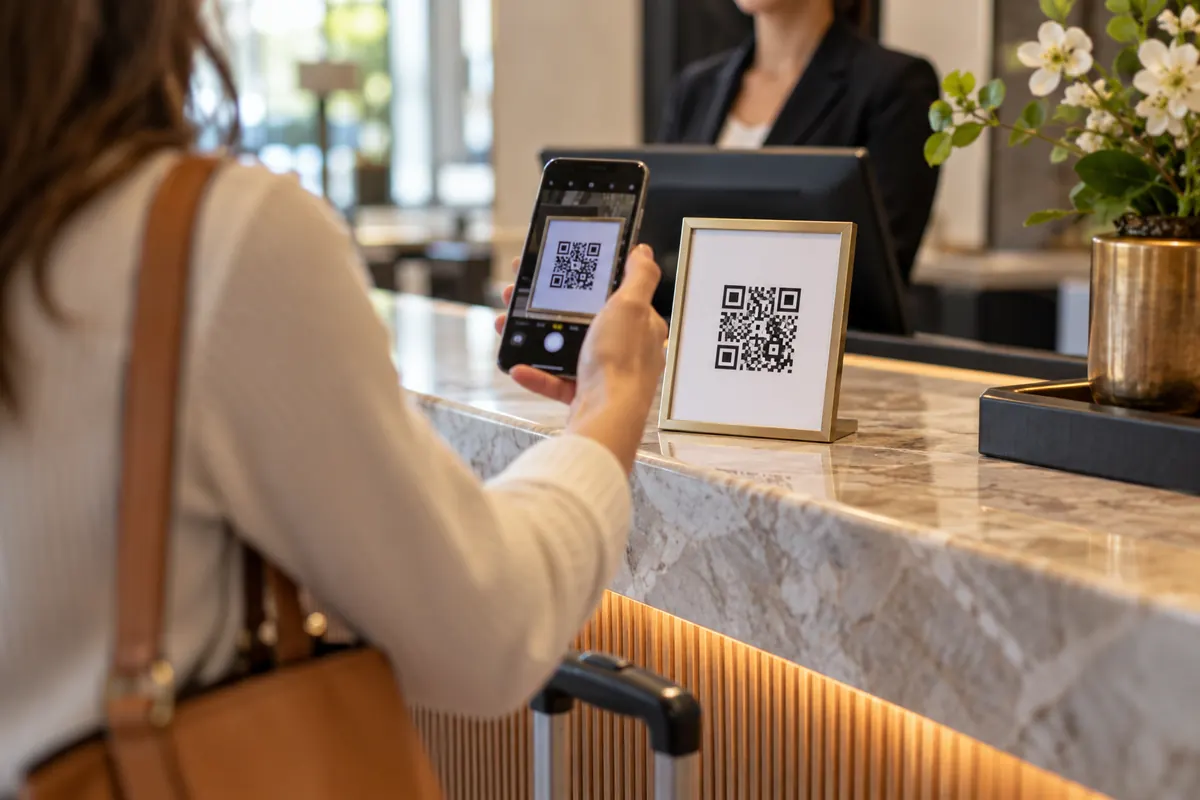
Hand visitors the guest network with a framed code at reception — no IT tickets.
Stick one on the router or fridge so friends and family join without asking.
Keep clients happy online while they wait, with a tidy code at the desk.
Share the network across a whole venue with printed codes on every table or wall.
A WiFi QR code contains your network name, security type and password. Phones scan it and join in one tap.
Printing the code in a public place when it's connected to your main network. Anyone who scans can join.
Phones read this text as a Wi-Fi network: T is the security type, S the network name and P the password. A hidden network adds H:true.
WIFI:T:WPA;S:CafeGuest;P:Latte-2026;;A café puts one code on every table tent. Guests scan it with the camera, tap “Join”, and are online. When the password changes in March, the café prints one new sheet and replaces the tents — the old codes stop working at the moment the router changes.
iPhones from iOS 11 and Android from version 10 join straight from the camera. Older Android phones need a scanner app.
Both are fine. Characters that have a special meaning in the code are escaped for you.
Type your network name and password in the generator above and choose the security type. The code is created instantly. Style the colors, shapes and center icon if you like, then download it as PNG or SVG and print it.
They open the camera on their phone and point it at the code — a "Join Network" prompt appears, they tap it, and they're connected. No password typing needed. Both iPhone and Android support this natively.
Yes. The entire code is generated in your browser — your network name and password are never sent to a server or stored anywhere. Anyone who scans the printed code can join, so display it only where you'd happily share the password.
Almost all modern routers use WPA/WPA2 — that's the default and the right choice for most people. Use WEP only for very old equipment, and None for an open network with no password.
Some routers don't broadcast their name, so it won't appear in the list of available networks. If yours is set up this way, tick the "Hidden network" box so scanning phones know to look for it.
No — the password is baked into the code. If you change your WiFi password, just generate and print a fresh code here. It takes only a few seconds.
Your WiFi QR code takes about ten seconds — and it's completely free.