QR flyer maker
Turn an offer into a printable flyer with a large QR code. Add a headline, photo and highlights, pick colors and print.
Your flyer
Print at 100% scale (turn off “fit to page”). Home printers leave a small unprinted border; for a full-bleed result download the PNG and take it to a print shop.
Offer to flyer in three steps
Write the offer
One headline, one line of support and up to six highlights.
Add a photo and colors
Choose a layout, a font and colors, and drop in a photo if you have one.
Print or export
Print on A4, A5 or Letter, or download the PNG for a print shop.
A flyer people act on
- One offer per flyer. Two competing messages lower the number of scans.
- Tell people what they get: “Scan for 10% off”, not just “Scan here”.
- Make the code big — a third of the page width or more — and keep a clear border.
- Tag the link with the UTM generator so you can see which flyer drove visits.
Where flyers get used
Local promotions
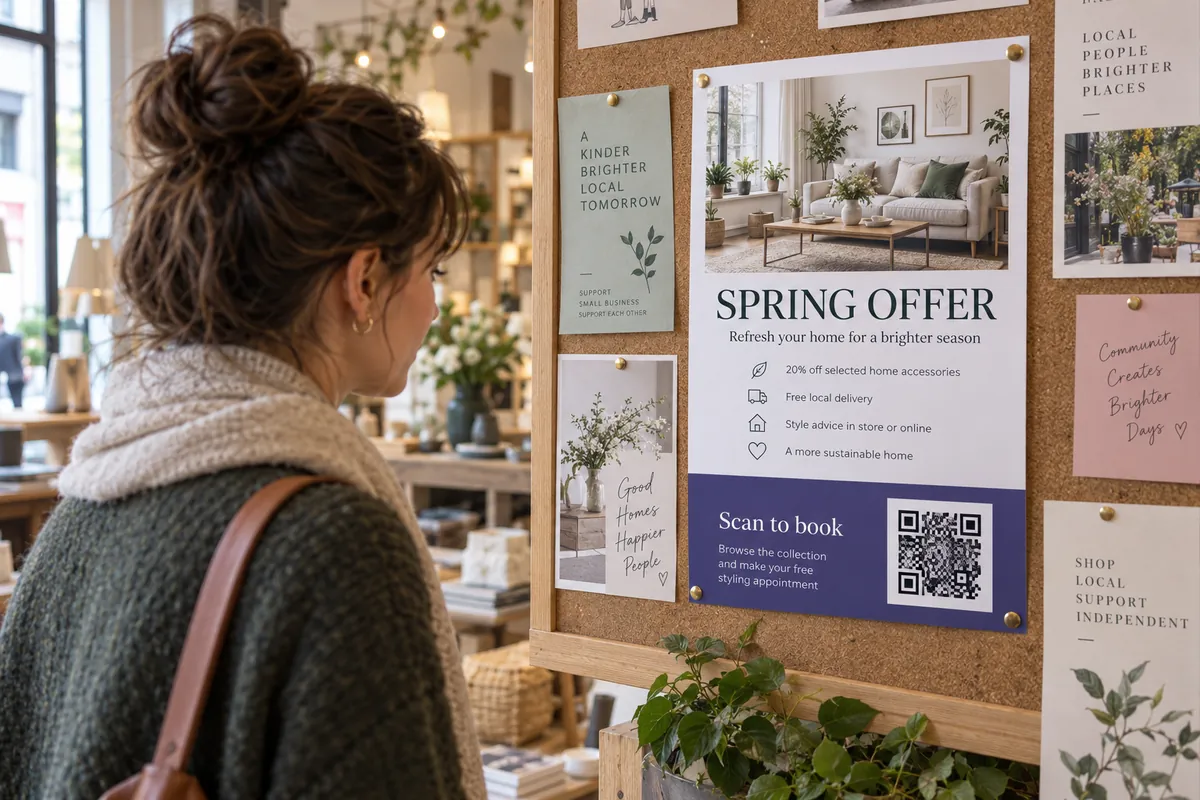
Handouts and notice-board flyers for a sale or an event.
Open houses
A flyer with a link to the listing and photos.
Clubs and classes
A sign-up page for a class, club or workshop.
Shop windows
An A4 offer sign with a code to your page.
Promote it further
More design & print tools
- UTM generator — Tag links to see which placement works
- Print preview — See your code at true size
- Health report — Score a code before printing
Make just the code
Ideas by industry
Questions, answered
How do I make a flyer with a QR code?
Write a headline and a few lines of text, add a photo if you have one, paste the link the code should open and pick a layout and colors. Then print it or download the PNG for a print shop.
What size is the QR code on the flyer?
The code sits in a colored band at the bottom and is made large on purpose, about a third of the page width, so it scans from arm’s length or from a notice board.
Can I use my own photo?
Yes. Choose an image and it becomes the header of the flyer. It is only used in your browser and is never uploaded.
Which paper sizes are supported?
A4, A5 and US Letter. A5 is a good size for handouts; A4 and Letter work for posters on a window or notice board.
Add a card to hand out
A business card with a contact code goes in every envelope.
Make a business card