QR business card maker
Make a business card with a QR code that saves your contact in one scan. Add a logo, pick colors and print a full sheet.
Your business card
Print at 100% scale (turn off “fit to page”), cut along the dashed lines and scan a printed card with two phones before ordering a full run. With the code on the back, print page 1 and then page 2 on the reverse side. Use card stock of about 250–350 gsm.
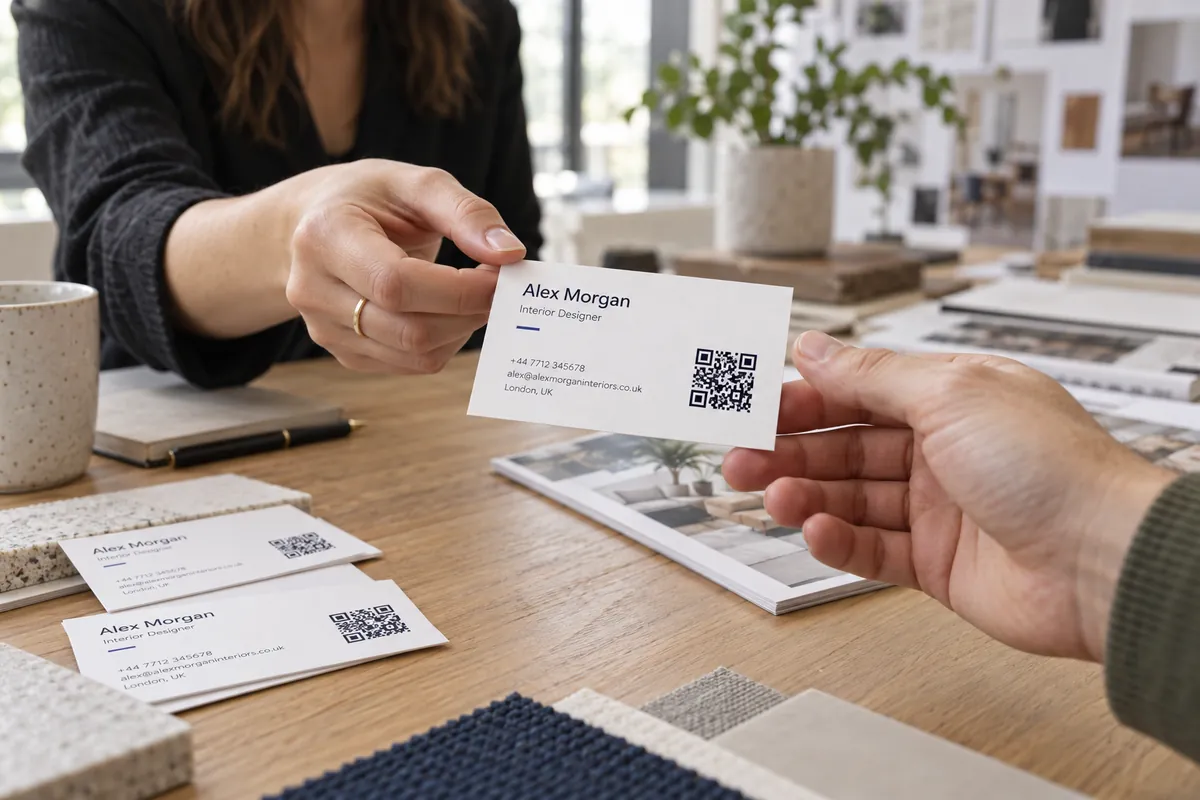
Design a card in three steps
Enter your details
Name, title, phone, email, website — only what you want printed.
Choose what the code does
Save your contact as a vCard, or simply open your website.
Print a sheet or a PNG
Print 10 cards per sheet at home, or send the PNG to a print shop.
A business card that earns the scan
- For a vCard code, fewer fields scan faster — name, phone, email and website are enough.
- Keep the code at least 20 mm wide and leave a clear border around it.
- Put the code on the back if the front is crowded; a large code is easier to scan.
- Check contrast: dark code on a light card, or the reverse with a white code box, never mid-tones.
Who carries a QR business card
Networking
Let new contacts save you in one scan instead of typing.
Real estate agents
Link the card to your listings or a booking page.
Beauty and wellness
Link to your booking page or a portfolio.
Freelancers
Link to your portfolio, along with your contact details.
Finish your card
More design & print tools
- Print preview — See your code at true size
- Health report — Score a code before printing
- Flyer maker — Offer flyers with a large QR code
Make just the code
Ideas by industry
Questions, answered
How do I make a business card with a QR code?
Enter your details, choose whether the code saves your contact or opens your website, pick colors and a size, then print a sheet of 10 cards or download a PNG for a print shop.
Can I put the QR code on the back?
Yes. Choose “On the back” and the front gets more room for your details, while the back becomes a bold card with a large code and a short caption. The print gives you a page of fronts and a page of backs.
What is the difference between a vCard and a website code?
A vCard code contains your name, phone, email and more, so the person can save you as a contact with one scan. A website code just opens your site. A vCard with many fields is denser and needs a larger print.
What size should the QR code be on a business card?
Around 20–25 mm square scans reliably from about 15 cm. Keep the quiet border around the code and print on matte stock for best results.
Can I add my logo?
Yes. Upload a PNG or SVG-based image and it is placed in the top corner of the card. It never covers the QR code.