QR table tent generator
Turn a link into a fold-in-half table sign for menus, ordering, reviews or payments. Print it on plain paper and stand it on the table.
Your table tent
Preview — fold along the dashed line
Print at 100% scale (turn off “fit to page”) on portrait paper, fold the sheet in half along the dashed marks and stand it on the table as a tent. The upper half is printed upside down so both sides read upright.
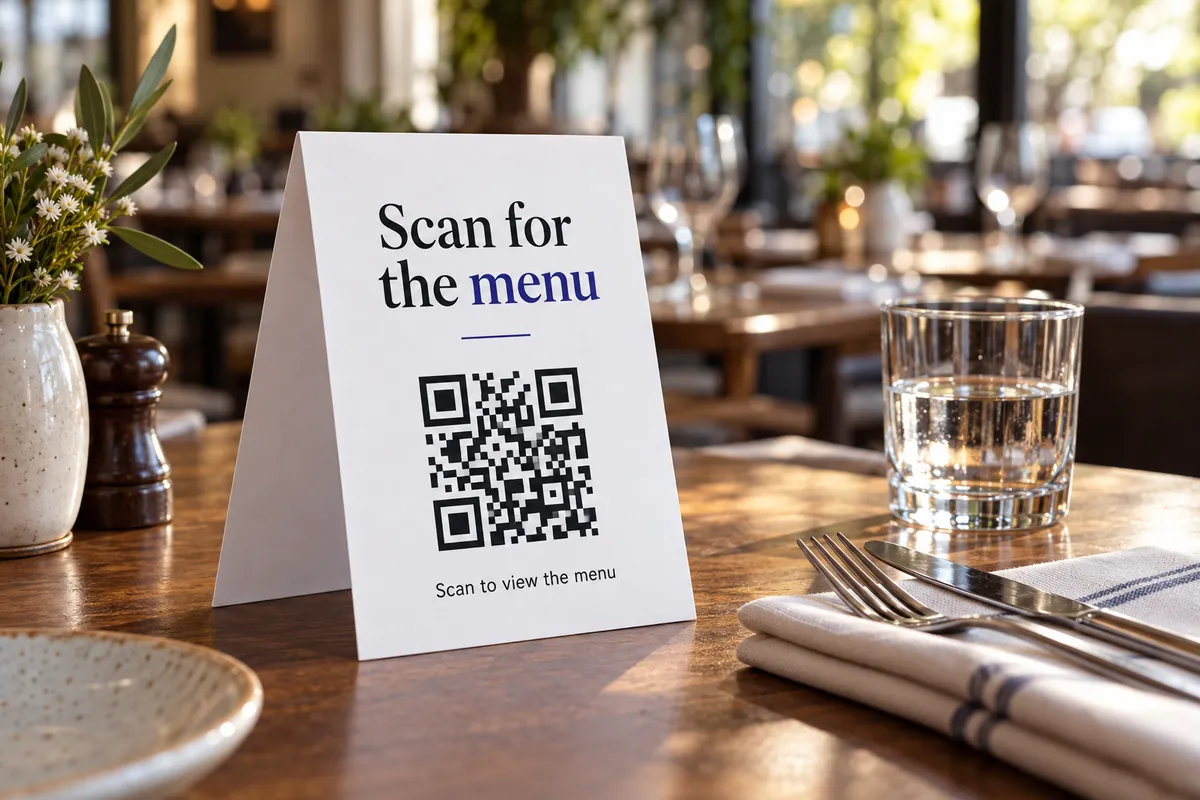
Make, print, fold
Choose its purpose
Menu, order, review, pay or follow — each fills in text you can edit.
Add your link
Paste the page guests should open. Use a mobile-friendly page.
Print and fold
Print on portrait paper, fold along the dashed marks and stand it on the table.
Making a table sign that gets scanned
- Put the code on both faces — it is printed upside down on one half so both sides read upright.
- Use heavier paper (160–200 gsm) so the tent stands without curling.
- Make the call to action specific: “Scan to see the menu” beats “Scan me”.
- Test the printed sign with two phones from the seat, not from a hand’s length.
Places a table sign earns its keep
Cafés and restaurants
Menu, ordering or review links on every table.
Hotels and rentals
Guest guide, check-out info or Wi-Fi on the desk.
Events
Schedule, feedback form or photo album on each table.
Coworking spaces
Booking page, Wi-Fi or house rules on shared desks.
Around the table
More design & print tools
- Wi-Fi sign maker — Guest Wi-Fi sign with a join-by-scan code
- Review card maker — Printable “leave us a review” cards
- Print preview — See your code at true size
Make just the code
Ideas by industry
Questions, answered
How do I make a table tent with a QR code?
Choose what it is for, paste your link, edit the text and colors, then print. Fold the sheet in half along the dashed marks and stand it on the table. Everything is built in your browser.
Why is the top half upside down?
When the sheet is folded into a tent, the top half ends up on the back side. Printing it rotated by 180° makes both sides read the right way up, so guests on either side can scan.
What paper should I use?
Plain A4 or US Letter gives a large tent that is easy to scan from across the table. A5 makes a smaller tent for narrow tables. Thicker paper (160–200 gsm) or a card stock stands up better.
Can I use one for every table?
Yes. Generate one sheet and print as many copies as you need. If you want to know which table an order came from, use the UTM generator to add a table name to each link.