QR sticker sheet maker
Lay out one or many QR codes as stickers on a printable sheet. Choose size, spacing and shape, then print on sticker paper.
Your sticker sheet
Print at 100% scale (turn off “fit to page”). Use the print dialog’s “Actual size” option and scan one sticker with two phones before printing a full run.
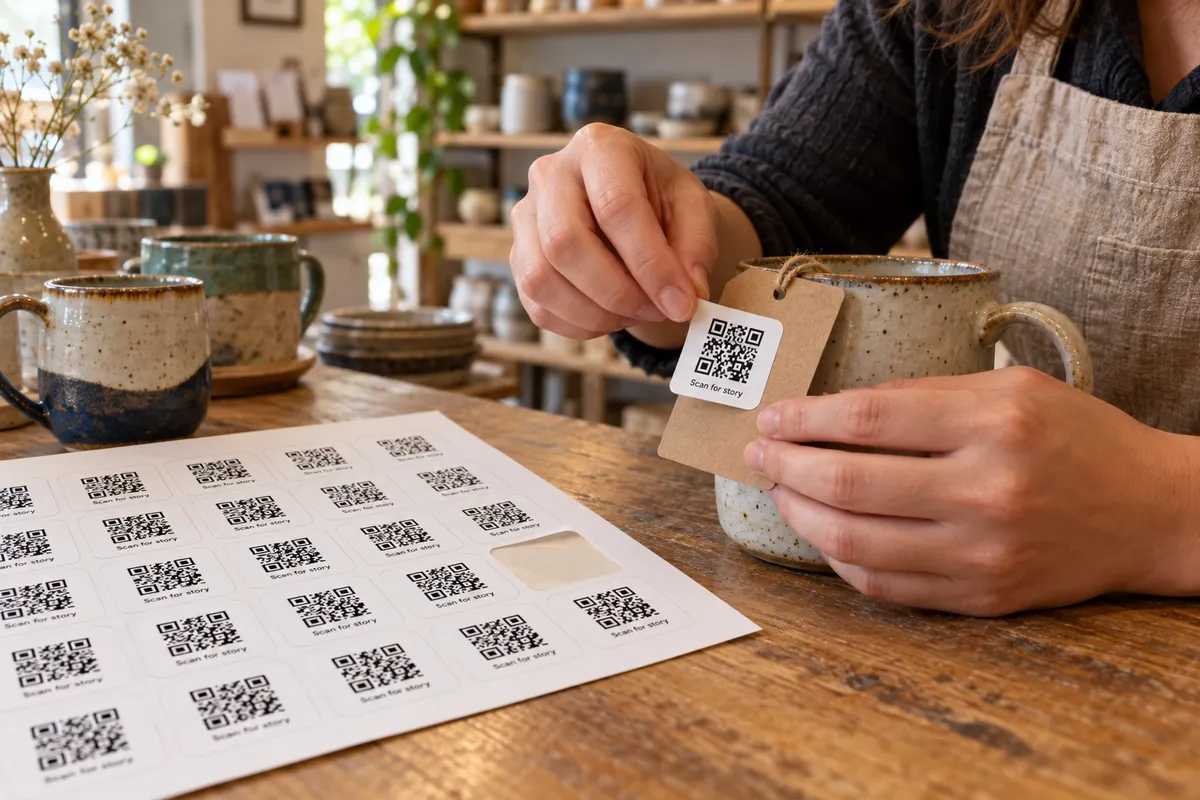
How a sticker sheet comes together
Add your links
One link per line, optionally “link | caption”. One line fills the sheet.
Set size and spacing
Choose the sticker size, the gap and a shape. The preview shows how many fit.
Print on sticker paper
Print at 100% scale. Use the dashed cut lines when printing on plain paper.
Sticker sheets that scan
- Keep stickers at least 25 mm wide for codes scanned from about 20 cm.
- Use a matte sticker stock; glossy paper reflects light and hurts scanning.
- Add a caption so people know what each code does.
- Print a test page on plain paper, then scan every code before you use the expensive stock.
What people stick them on
Product packaging
A code to instructions, reorder or a review page.
Locations and assets
One sticker per room, shelf or machine, each with its own link.
Events and giveaways
Handout stickers that lead to a page or a photo album.
Retail shelves
Stickers that link each product to its details page.
Sheets, labels and bulk codes
More design & print tools
- Label templates — Fit common Avery-style label sheets
- Bulk generator — CSV to ZIP or a print sheet
- Health report — Score a code before printing
Make just the code
Ideas by industry
Questions, answered
How do I make a sheet of QR code stickers?
Add your links, set the sticker size and the gap, choose a shape and colors, then print on A4 or Letter. A single link fills the sheet; several links place each code once and add pages.
How many stickers fit on a sheet?
The preview shows the count. It is calculated from the sticker size, the gap and the page margin, so you can adjust until the layout is what you need.
Can I add a caption under each code?
Yes. Write “link | caption” on a line, for example “https://example.com/menu | Menu”. The caption is printed with the code.
What should I print on?
Self-adhesive sheets work best. With plain paper, tick “dashed cut lines” and cut along them. If you use pre-cut label packs, see the label templates.
Printing for a specific label pack?
Use the templates that match common Avery-style sheets.
See label templates