Menus
A code on the table or window opens your full menu instantly — no laminating, no reprinting when prices change.
Paste the link to your PDF, style your code, download in high resolution. Menus, brochures, manuals and flyers — one scan opens the document.
Your PDF link
Design
Low contrast: phones may not find the code. Pick a darker corner color.
Everything on this page happens in your browser: nothing is uploaded and nothing is installed.
Put the PDF somewhere with a public link — your website, Google Drive, Dropbox or any file host. Copy that link.
Drop the link in the generator and the QR code appears instantly. Pick your colors, background, dot shapes and corners, or add your own logo.
Export a crisp 2048px PNG for screens and social, or a vector SVG that stays sharp at any print size — both free, both watermark-free.
Emailing a file, typing a long link, printing hundreds of copies — a QR code skips all of it. Point, scan, and the PDF opens full-screen on the phone.
Put a PDF QR code anywhere paper falls short — every placement turns a printed surface into a live, up-to-date document.
A code on the table or window opens your full menu instantly — no laminating, no reprinting when prices change.
Print one small code on the product or its box so customers reach the setup guide, warranty or spec sheet in a tap.
Let a poster point to a detailed brochure — full pricing, floor plans or catalogs that would never fit on the page.
Share the schedule, map and speaker bios as a single PDF attendees can pull up on their phone any time.
Add a code to slides or worksheets so students and clients download the full document instead of copying it down.
Link to ingredient lists, care instructions or certificates without cramming fine print onto the label.
A PDF QR code links to a PDF you host online, such as a menu, brochure or manual.
Using a share link that requires login. The file must be openable by anyone.
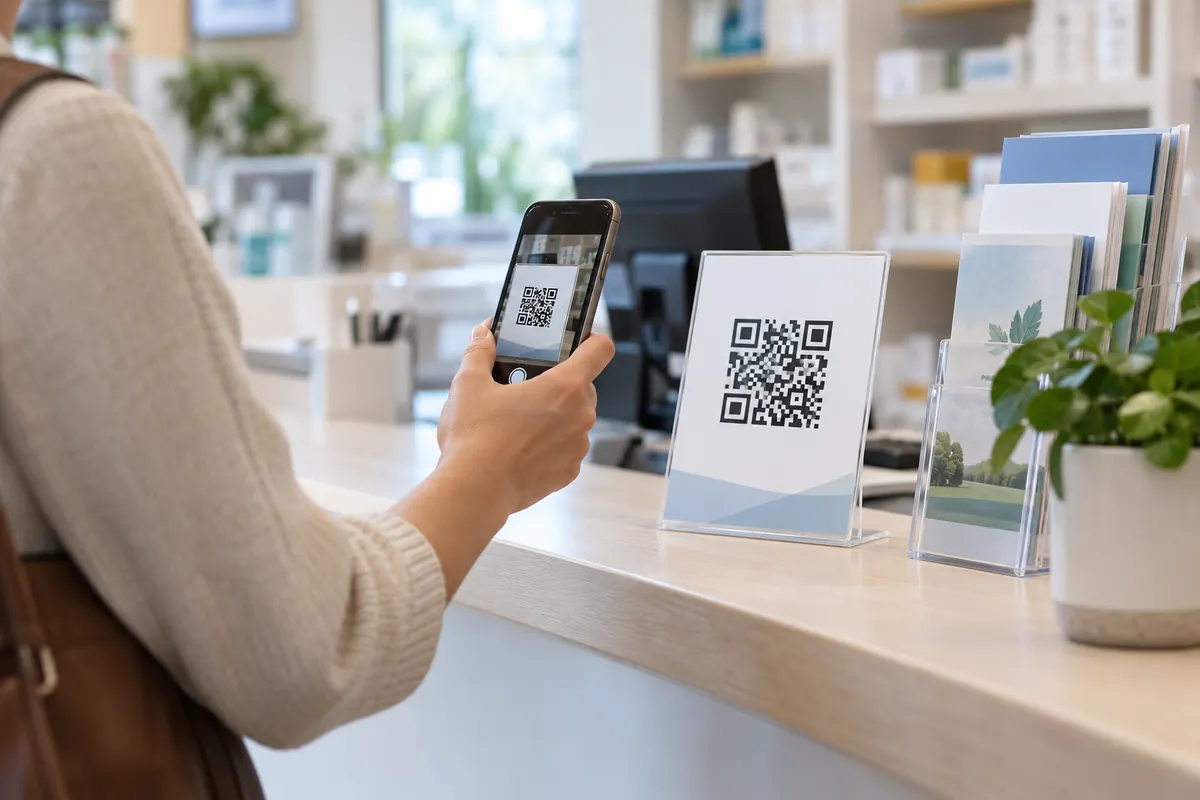
A PDF code is a link to a file that is already online. BestQR does not host the file: it must be at a public address, for example your site or a shared-link service.
https://example.com/files/brochure.pdfA dentist uploads an aftercare sheet to her website and prints the code on the appointment card. Patients scan it and read the sheet on their phone. When the advice changes, she replaces the file at the same address.
Anywhere with a public link: your own website, a cloud drive with link sharing or a file host. Test the link in a private window.
No. The tool only builds the code; it never receives your files, which also keeps them private.
First upload your PDF somewhere with a public link — your website, Google Drive, Dropbox or any file host. Copy that link, paste it into the generator above, and the code is created instantly. Style the colors, shapes and center icon if you like, then download it as PNG or SVG.
A QR code stores a short piece of text — usually a link — not the file itself, because an entire PDF is far too large to fit in a scannable code. So the reliable way is to host the PDF online and encode its link. This tool runs entirely in your browser and doesn't store files, which keeps it fast, private and free.
Yes — completely. No sign-up, no watermark, no scan limits and no expiry. You can create and download as many codes as you want, for personal or commercial use.
Their phone opens the link, and the PDF loads full-screen in the built-in viewer or browser. From there they can read it, zoom in, or save it to their device — no app required.
Yes — as long as you replace the file at the same link. If you upload a new version and keep the URL identical, every code you've already printed will point to the updated document automatically. If the link changes, generate a fresh code.
Your PDF QR code takes about ten seconds — and it's completely free.