QR code design gallery
Sixteen things you can make and print with a QR code. Pick one and open the tool that made it.
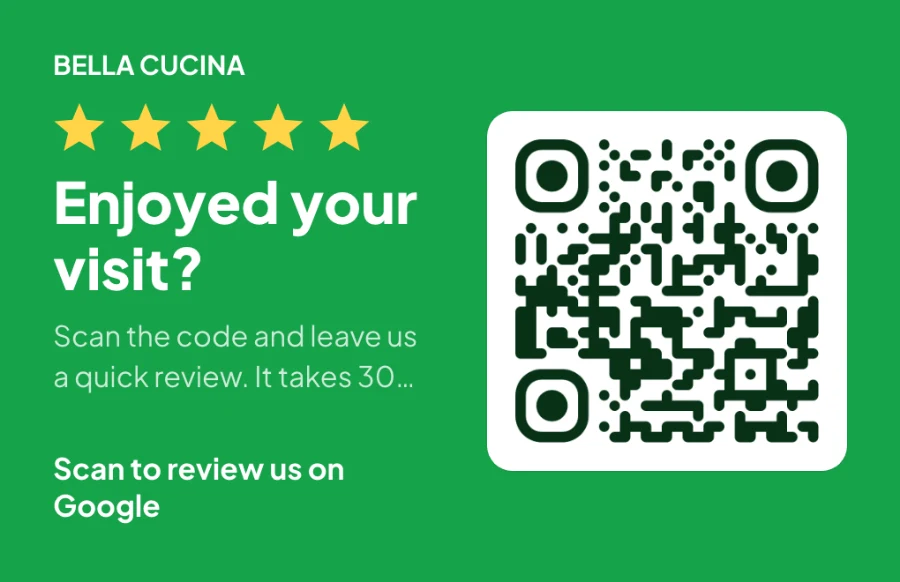
Review card
A business-card-sized ask for a Google review, handed over with the bill.
Make your own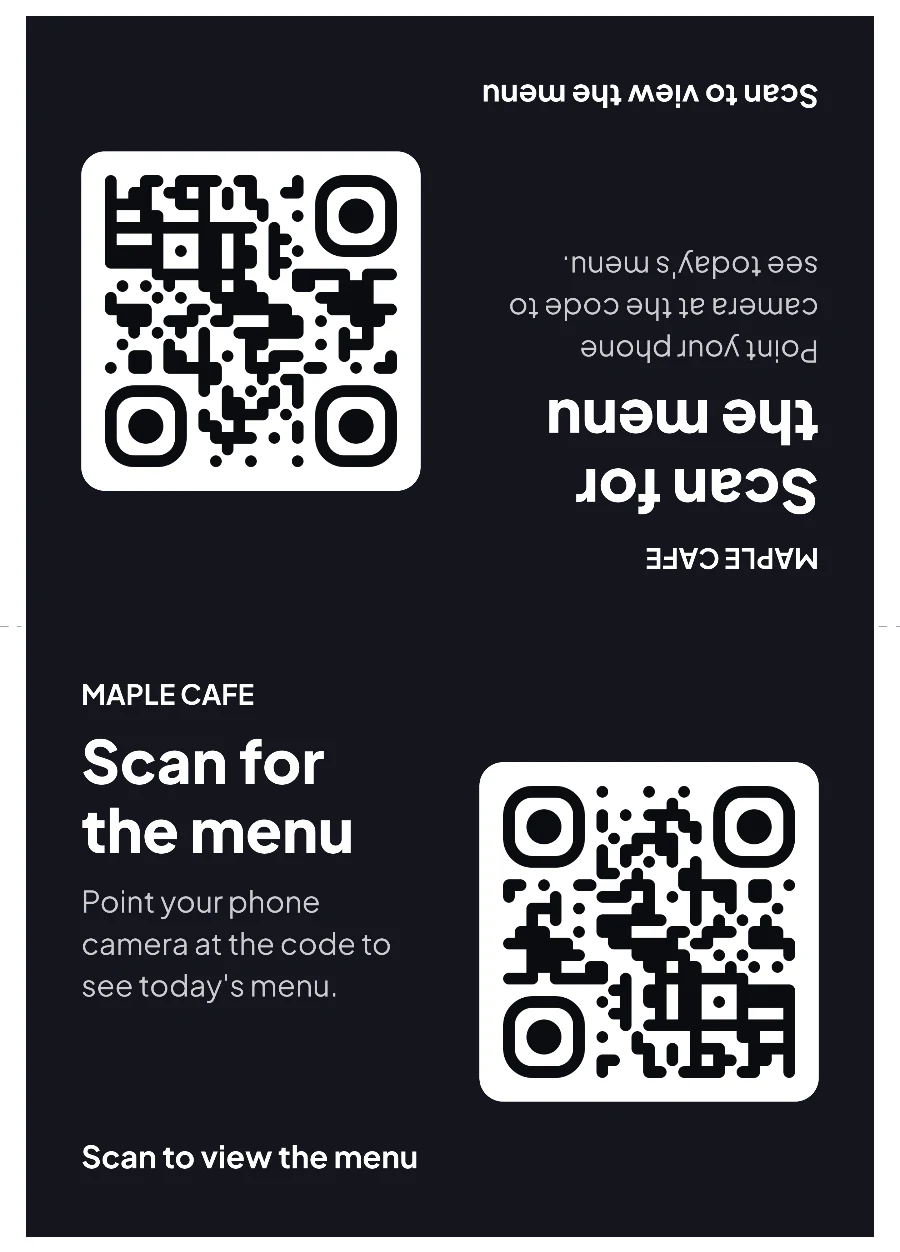
Table tent
A fold-in-half menu sign, printed upside down on one half so both sides read upright.
Make your own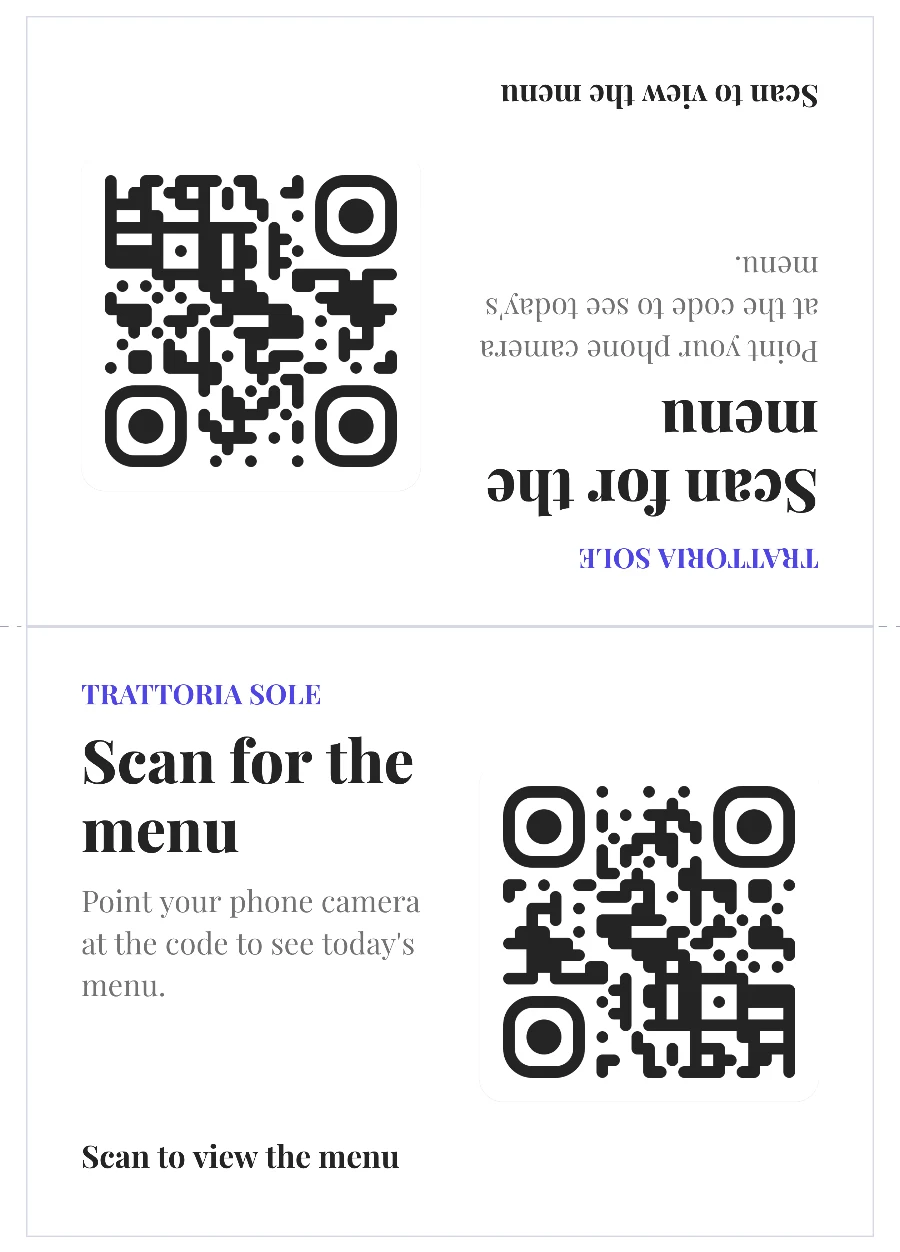
Restaurant menu sign
An elegant serif menu sign for a trattoria table, with the code and a clear call to action.
Make your own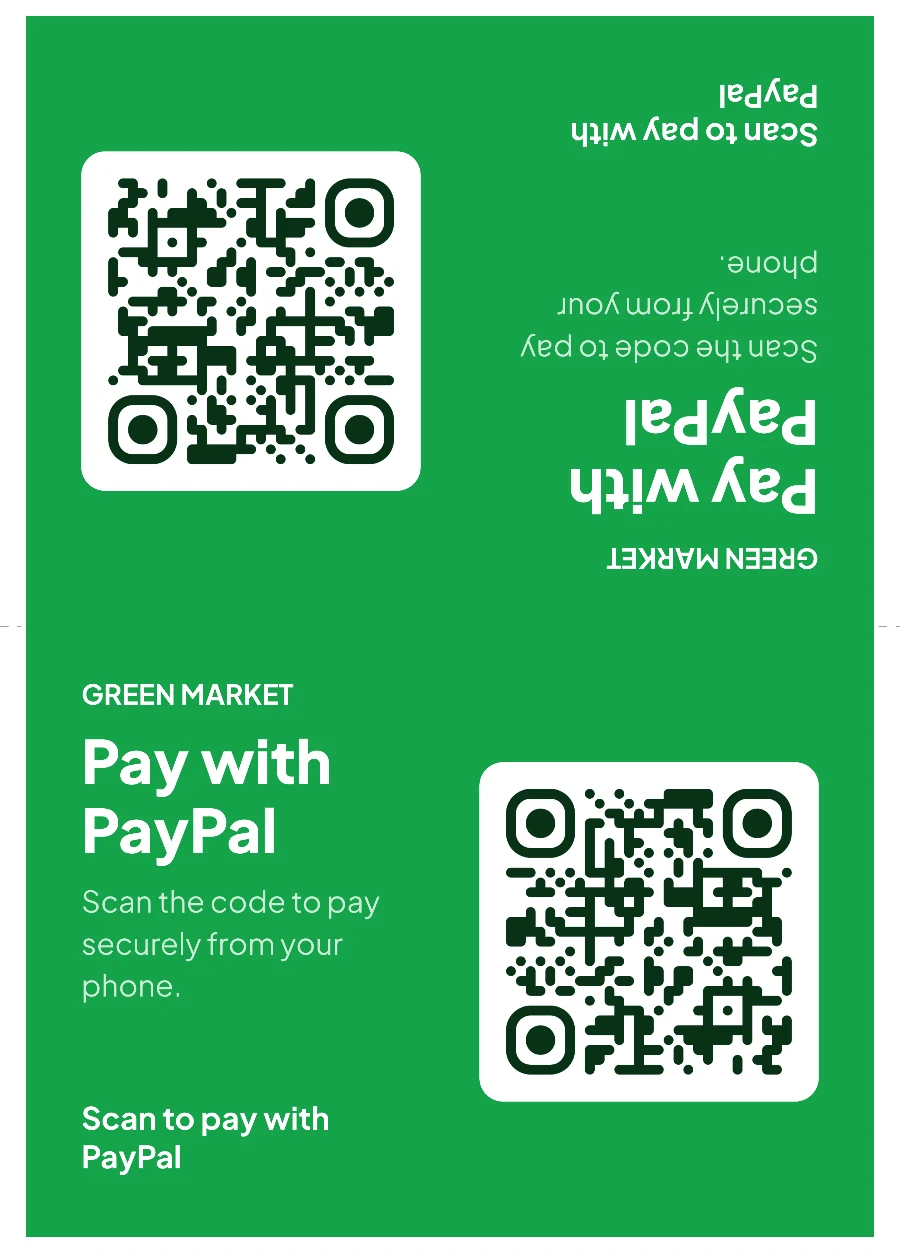
Payment sign
A counter sign that opens a PayPal link, in a market-stall green.
Make your own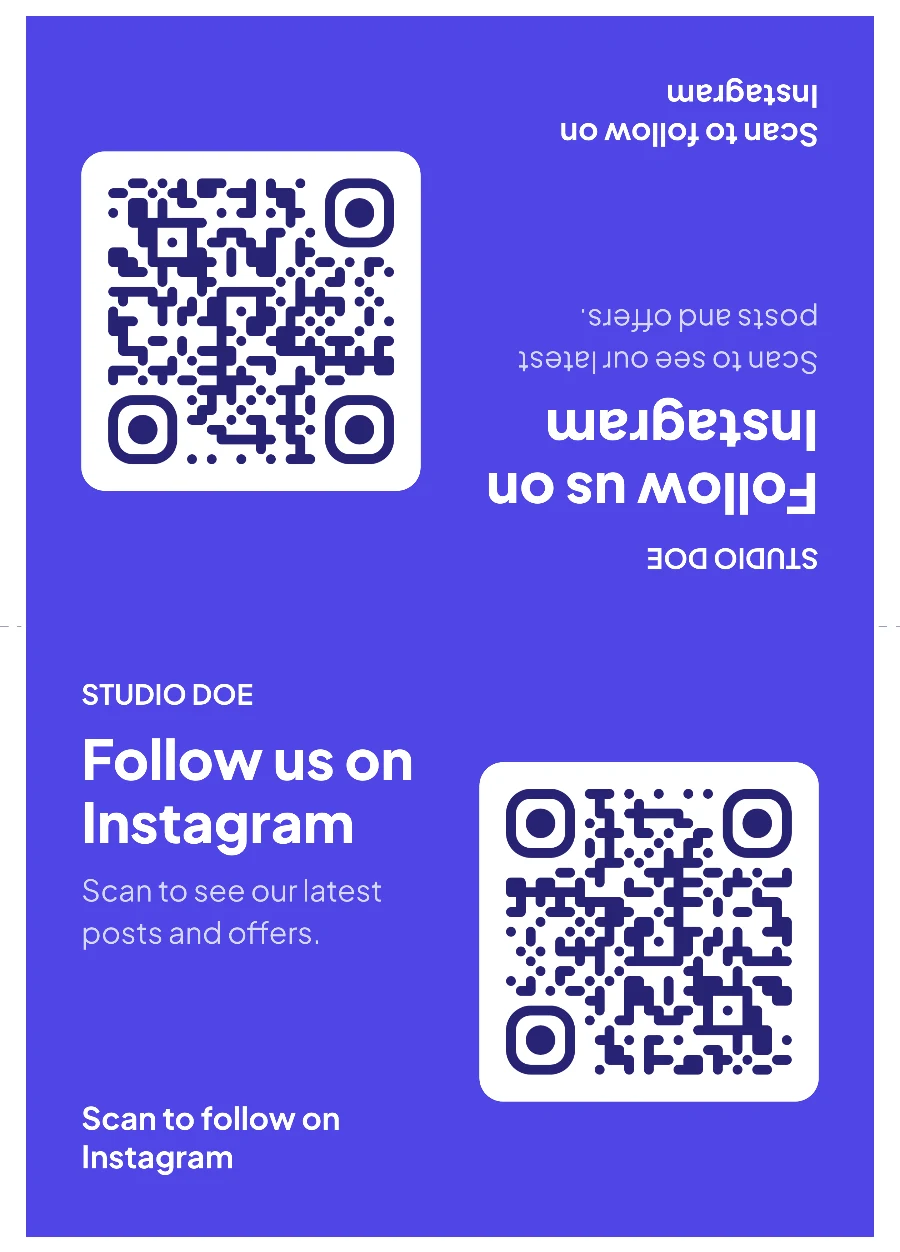
Social media sign
A follow-us sign for Instagram that works at a till or in a shop window.
Make your own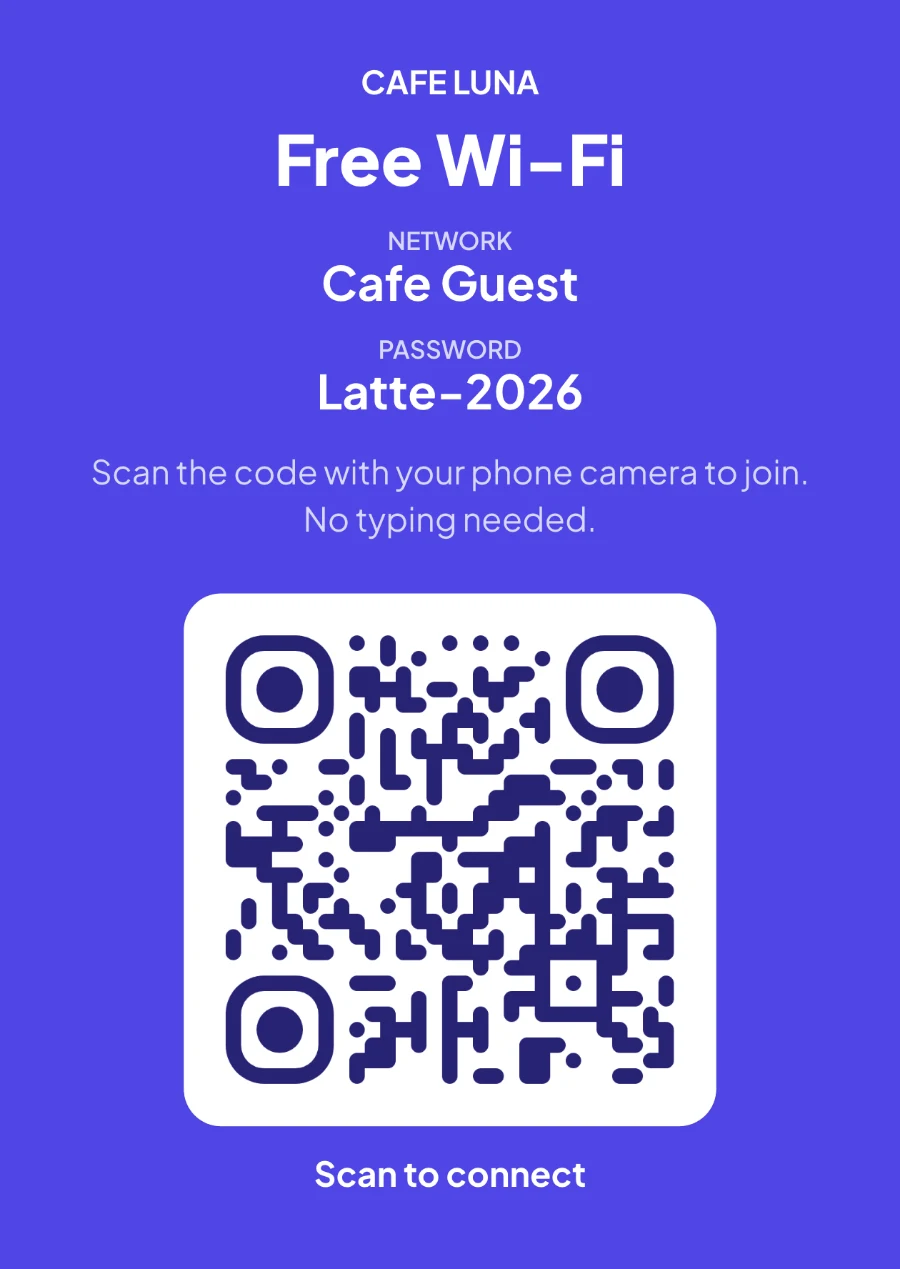
Wi-Fi sign
Network name, password and a code that joins the network in one scan.
Make your own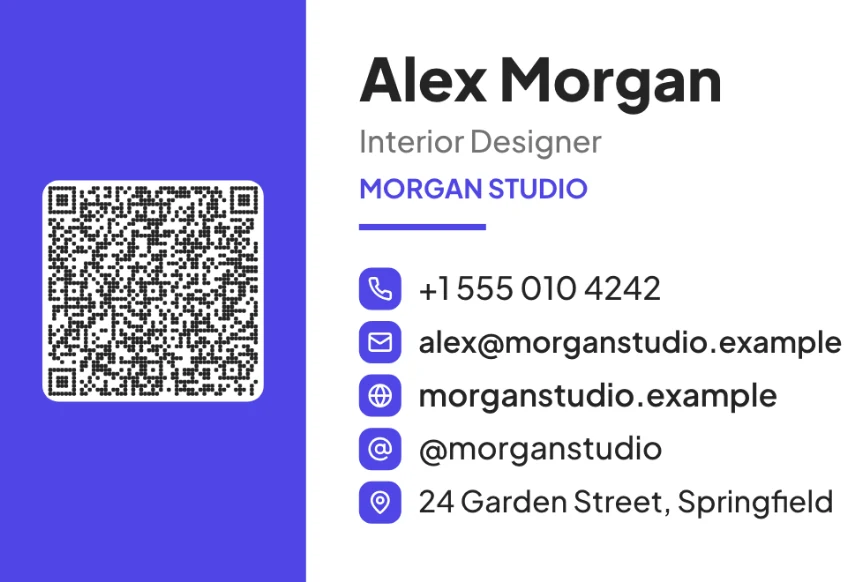
Business card
A split-panel card with a vCard code, icons for each contact line and a logo space.
Make your own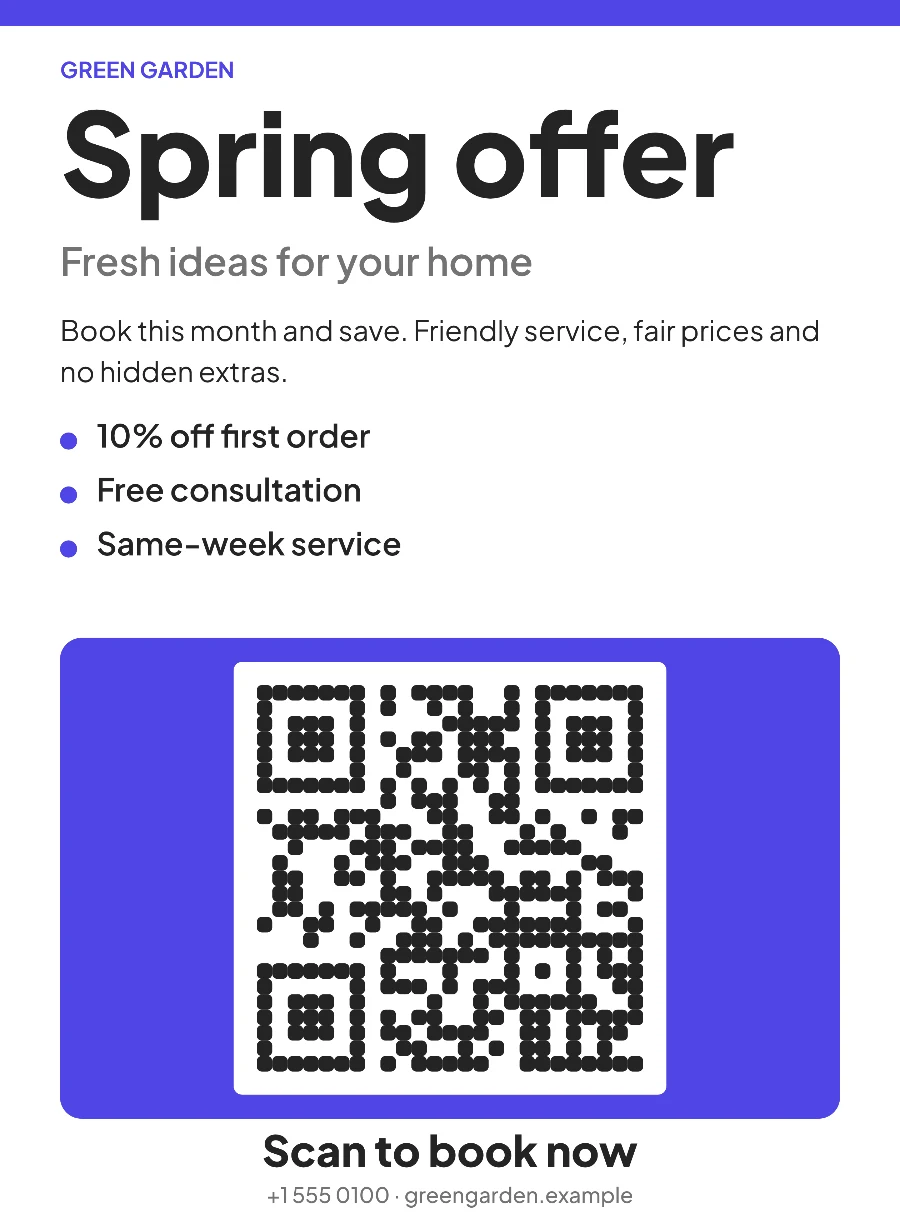
Flyer
An offer flyer with a big code panel for scanning from across a room.
Make your own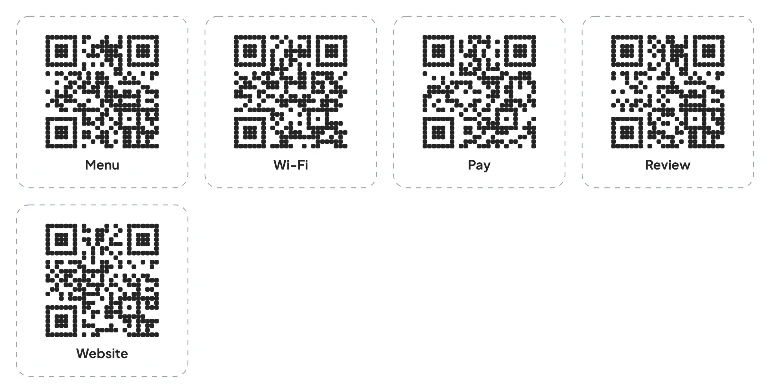
Sticker sheet
Five different codes with captions, ready to cut or peel.
Make your own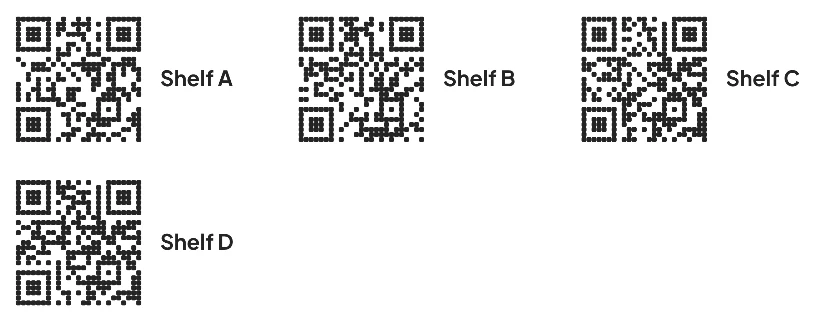
Label template
Shelf labels laid out for an Avery-style A4 label pack.
Make your own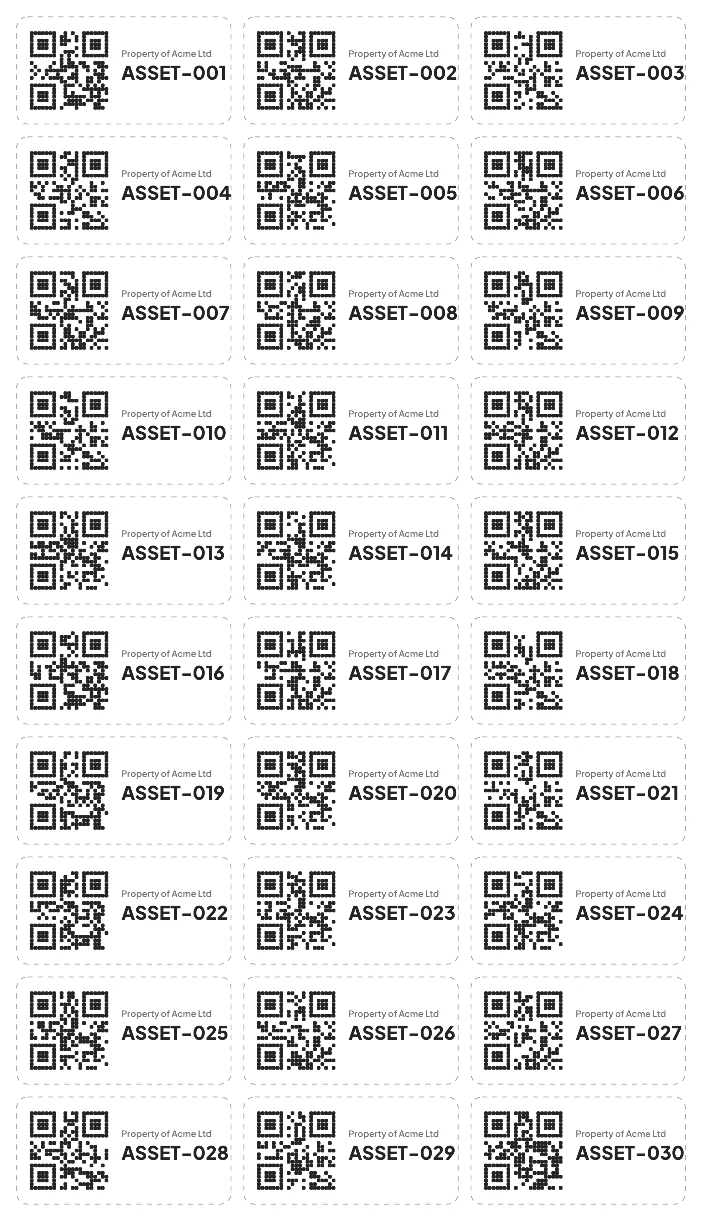
Asset tags
Thirty numbered inventory labels, ASSET-001 to ASSET-030, with a property line.
Make your own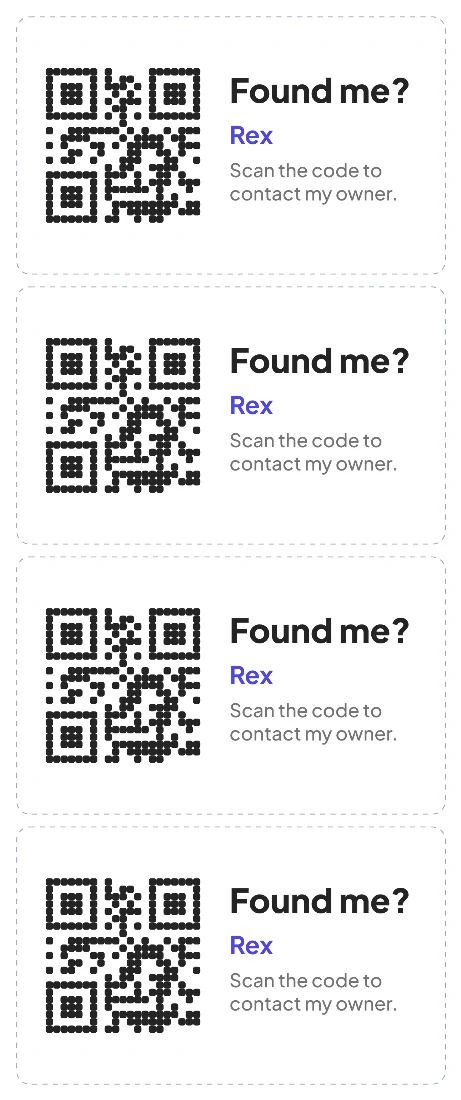
Lost & found tag
A luggage tag that starts a call to the owner when scanned.
Make your own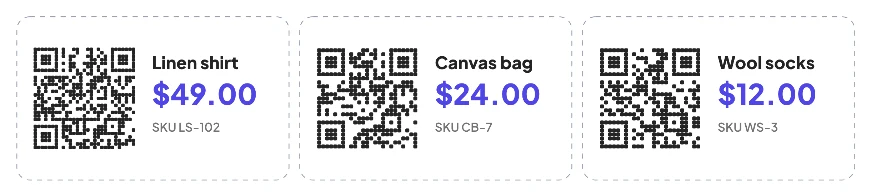
Product labels
Price, SKU and a code to each product page, one label per product.
Make your own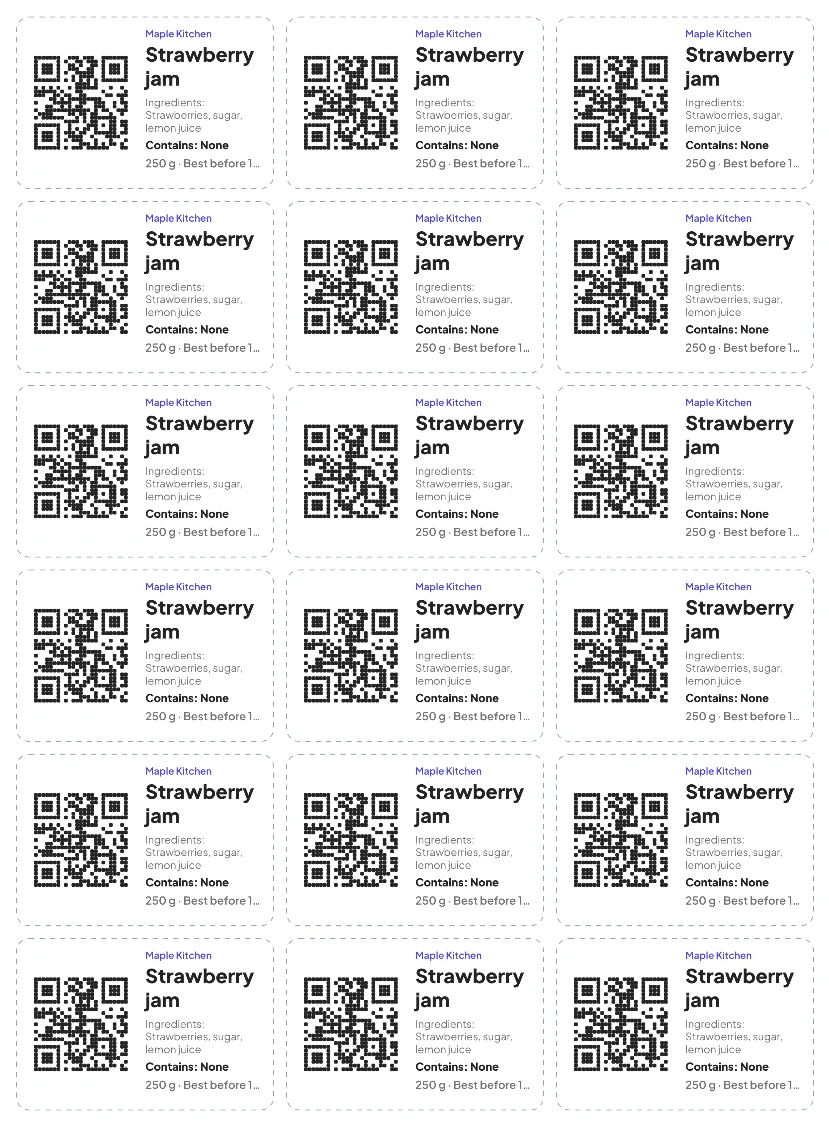
Food label
A jar label with ingredients, an allergen line, a date and a link to full details.
Make your own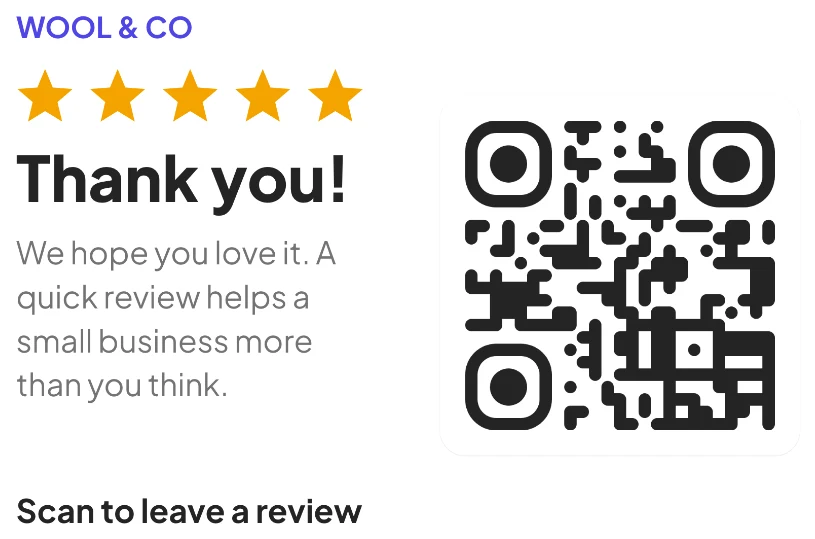
Packaging insert
A thank-you card for the parcel, asking for one review.
Make your own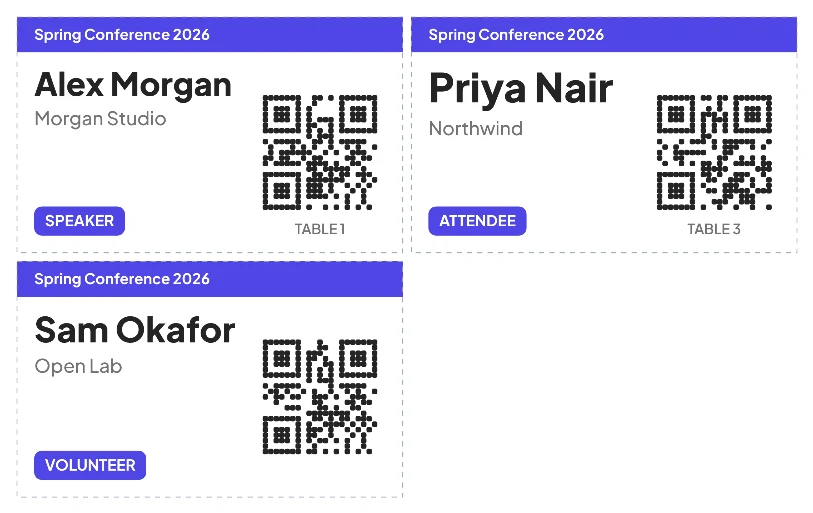
Event badges
Name badges built from a CSV, each with its own code for check-in.
Make your ownQuestions, answered
Are these real outputs?
Yes. Each image is rendered by the tool it links to, using sample text. You get the same result, with your own link and wording.
Can I change the colors and fonts?
Every tool lets you choose a font and background color, and some add an accent color or a layout. The gallery shows one choice of each.
How do I print one?
Open the tool, fill in your details and press Print. Print at 100% scale and cut along the dashed lines if there are any.
Do I need an account?
No account and no watermark. The tools run in your browser.