QR code label templates
Pick a label sheet, add your links and print QR code labels that line up with the sticker grid. Works with common A4 and Letter packs.
Your labels
Print at 100% scale (turn off “fit to page”). Use the print dialog’s “Actual size” option and scan one sticker with two phones before printing a full run.
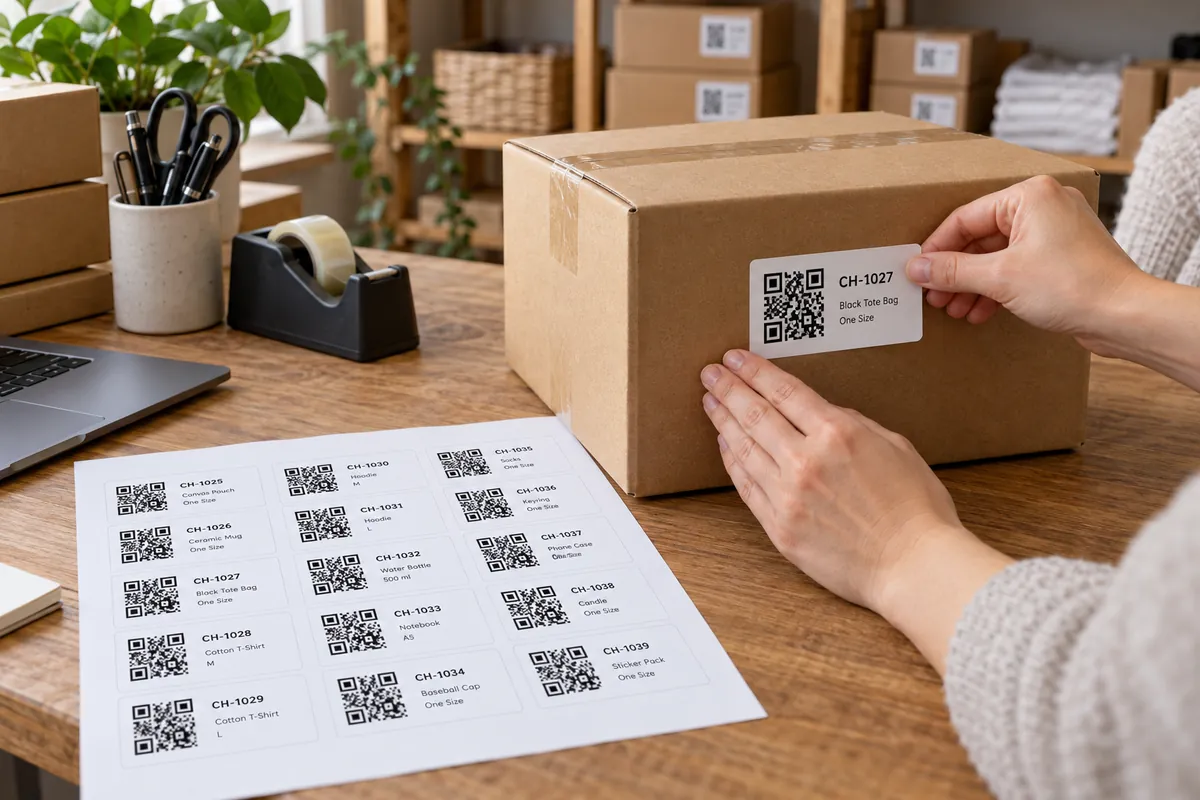
Matching a label pack in three steps
Pick your label pack
Choose the layout that matches the sheet you bought — A4 or US Letter.
Add links and captions
Each line becomes one label; extra pages are added automatically.
Test, then print
Print on plain paper first and hold it against a label sheet to check the alignment.
Printing on label sheets
- Print at 100% scale: turn off “fit to page” and “shrink to printable area”.
- Feed one sheet at a time and use your printer’s label or heavy-paper setting.
- If the print drifts by a millimetre or two, adjust the printer’s margins rather than the layout.
- Pack sizes can differ between manufacturers and batches — always check against the packet.
What label sheets are used for
Shipping and returns
A label with a link to tracking, returns or instructions.
Storage and inventory
Labels for boxes and shelves that link to a record.
Labs and workshops
Equipment labels with a link to manuals or logs.
Products and samples
Small labels that link to a product page.
Other ways to print many codes
More design & print tools
- Sticker sheet maker — Many QR stickers on one sheet
- Bulk generator — CSV to ZIP or a print sheet
- Print preview — See your code at true size
Make just the code
Ideas by industry
Questions, answered
What are QR code label templates?
They are ready-made sheet layouts that match common self-adhesive label packs, so every QR code lands inside a label when you print on a label sheet.
Are the sizes exact?
They follow the published dimensions of each pack, but printers and sheet batches vary. Print on plain paper first, hold it up to a label sheet against a window and adjust your printer’s margins if needed.
Can I put different codes on one sheet?
Yes. Add one link per line. Each line becomes one label in order, and extra pages are added when the sheet is full. A single line fills the whole sheet with the same code.
Which size is easiest to scan?
Larger labels scan from further away. For a code read from about 20 cm, 25 mm is a comfortable minimum; for shelves or boxes use 38 mm or more.
Need custom sticker sizes?
Set your own size, gap and shape on the sticker sheet maker.
Make a sticker sheet