Posters & ads
Turn any printed campaign, billboard or flyer into a one-scan visit — no long link to read out.
Paste your website link, style your code, download in high resolution. Homepage, landing page, blog or store — one scan opens it on any phone.
Your website link
Design
Low contrast: phones may not find the code. Pick a darker corner color.
Everything on this page happens in your browser: nothing is uploaded and nothing is installed.
Drop in any web address — your homepage, a landing page, a product or a blog post. No need to type https:// yourself.
The QR code appears instantly. Pick your brand colors, background, dot shapes and corners, or drop your logo in the center.
Export a crisp 2048px PNG for screens and social, or a vector SVG that stays sharp at any print size — both free, both watermark-free.
Reading a URL off a poster and typing it without a mistake is a lot to ask. A QR code turns your web address into a single scan that lands on the exact page you want.
Put a website QR code anywhere you'd write a URL — every scan gets people to your page faster and without mistakes.
Turn any printed campaign, billboard or flyer into a one-scan visit — no long link to read out.
Add a code beside your details so new contacts open your site or portfolio in a tap.
Send buyers to setup guides, registration or your store straight from the box or label.
Let passers-by browse your site or book online even when your doors are closed.
Close a talk or booth with a code so the room can visit your site before they leave.
Bridge paper to digital — magazines, menus and direct mail become one scan from your page.
A website QR code is the most common type: scan, and the phone opens a web page.
Linking to a page that needs desktop features or a login.
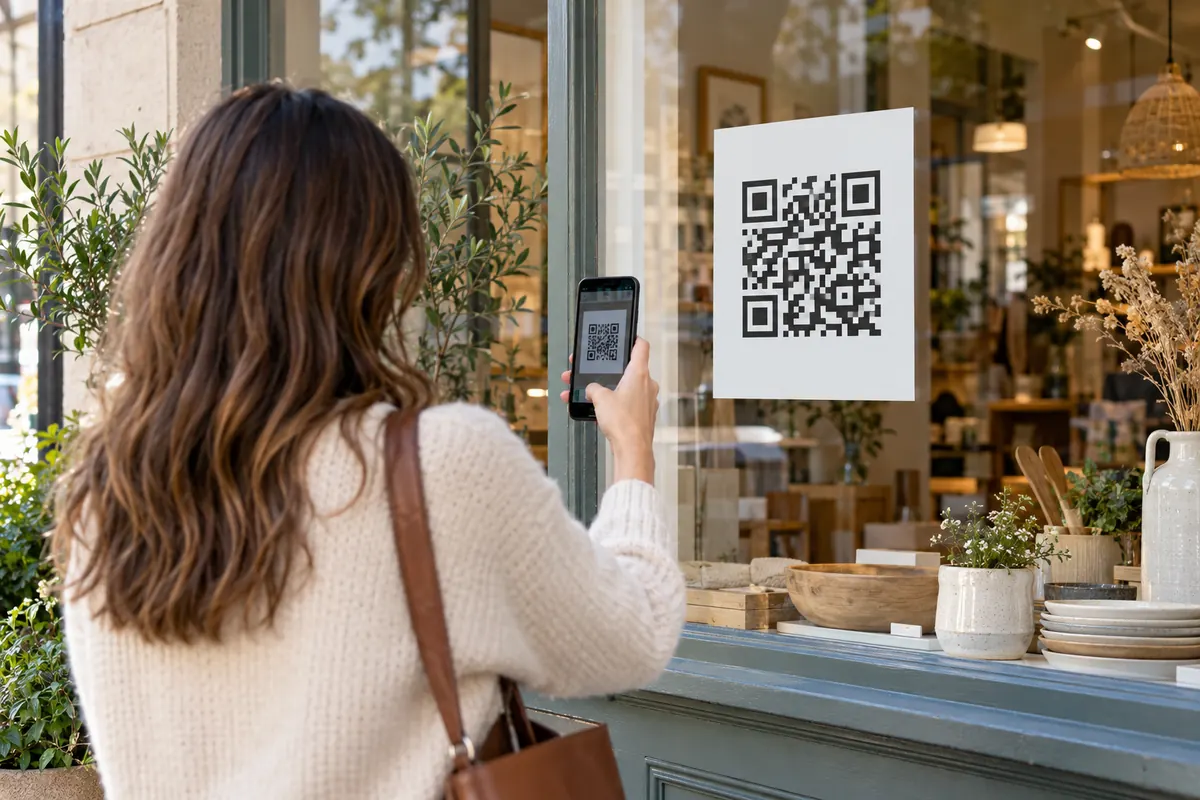
A website code is the address, optionally with tracking parameters. A shorter address makes a simpler code that scans better when printed small.
https://example.com/offer?utm_source=flyer&utm_medium=qrA shop prints a poster with a code to a page about a sale. The link carries utm_source=poster, so in analytics the owner sees how many visits came from posters compared with flyers.
A short address on your own domain, such as example.com/offer, which you can point anywhere later.
BestQR does not track scans. Add UTM tags to the link and read the visits in your own analytics.
Paste your web address into the generator above and the code is created instantly — you don't even need to type https://, we add it for you. Style the colors, shapes and center icon if you like, then download it as PNG or SVG.
Yes. Paste the full address of any page — a product, a landing page, a booking form or a blog post — and the code opens exactly that page. The longer the link, the denser the code, so keep URLs reasonably short for the cleanest result.
Yes — completely. No sign-up, no watermark, no scan limits and no expiry. You can create and download as many codes as you want, for personal or commercial use.
Their phone opens your link full-screen in its default browser — no app required. On most modern phones the built-in camera reads the code directly.
This tool makes a static code that points straight to the link you enter, so the destination is fixed once printed. If you expect the URL to change, point the code at a stable address you control — like a short redirect link — and update where that redirect sends people.
Your website QR code takes about ten seconds — and it's completely free.