QR restaurant menu sign
Give every table a sign that opens your menu in one scan. Add your name, choose colors and a font, print on plain paper and fold.
Your menu sign
Preview — fold along the dashed line
Print on A4 at 100% scale, fold along the marks and test the sign from a seat before you print one for every table.
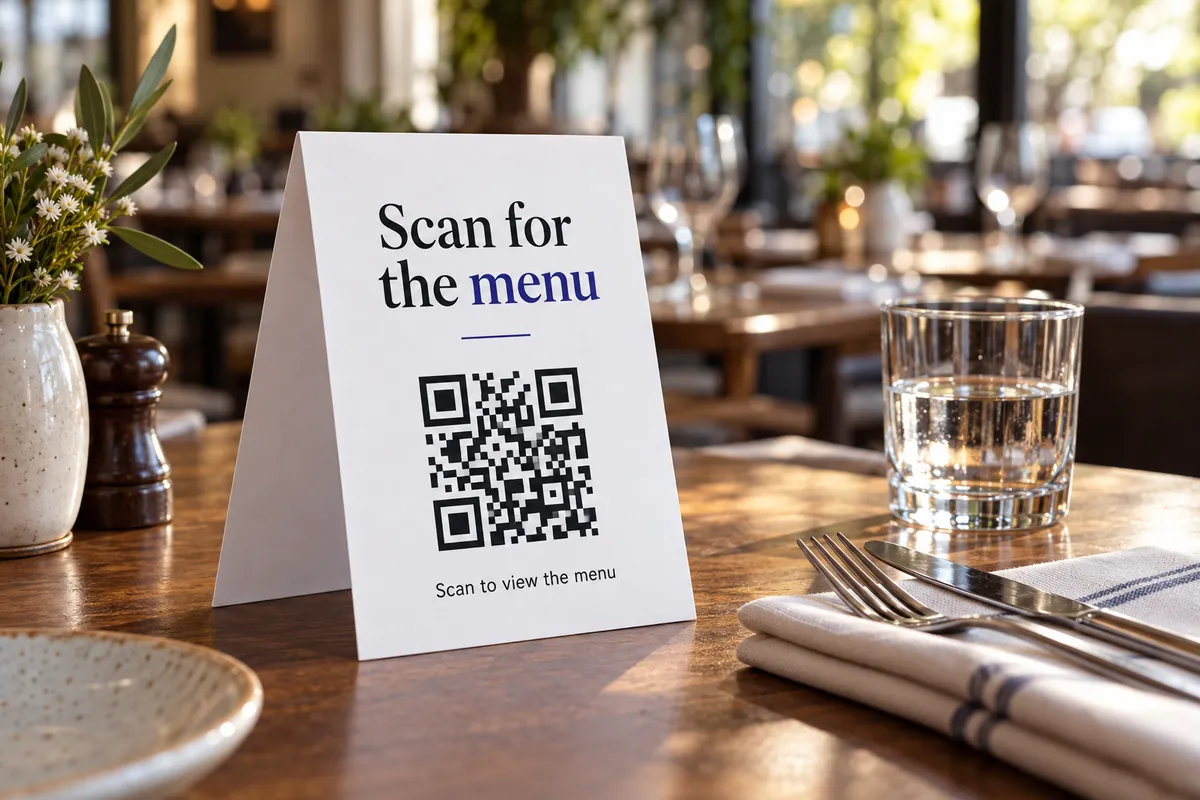
Menu sign in three steps
Paste your menu link
A mobile-friendly page or a PDF that opens fast on a phone.
Edit the wording
Choose menu, order or review, add your name and pick a font and colors.
Print and fold
Print on portrait paper, fold along the dashed marks and stand it on the table.
A menu sign that gets scanned
- Open the menu link on mobile data before printing — slow pages cost scans.
- Say what the code does: “Scan to view the menu” works better than “Scan me”.
- Put a second sign by the entrance or till for people who are still deciding.
- Use a sturdier paper or a table stand, and wipe-clean sleeves in busy places.
Venues that put the menu on the table
Cafés
A menu, a seasonal special or an order page on every table.
Restaurants
Menu on the table and a review prompt for the way out.
Bars and pubs
Drinks menu or order page on a small A5 tent.
Food stalls
A single sign at the counter that opens the menu.
More for the dining room
More design & print tools
- Table tent generator — Fold-in-half table signs
- Review card maker — Printable “leave us a review” cards
- Wi-Fi sign maker — Guest Wi-Fi sign with a join-by-scan code
Make just the code
Ideas by industry
Questions, answered
What should the QR menu sign link to?
A mobile-friendly page or a PDF that opens quickly on a phone. A page is easier to update; a PDF is easier to make. Test it on mobile data, not only on your Wi-Fi.
Where should I put the sign?
On every table, at about eye level when seated, and one at the entrance or till. Use a heavier paper (160–200 gsm) or a table stand so it does not curl.
How big should the code be?
The code on the A4 sign is large enough to scan from across the table. Print at 100% scale and test with two phones from the seat.
Can I change the menu later without reprinting?
Yes, if the code points to a page or file you control. The code itself never changes; you update what the page shows. See QR codes for restaurants.
Ask for a review on the way out
A short card at the till gets reviews while the visit is fresh.
Make a review card