QR review card maker
Turn your review link into a printable card in a minute. Choose a size and colors, then print a full sheet or download a PNG for your own print shop.
Your review card
Print the sheet at 100% scale (turn off “fit to page”), cut along the dashed lines, then scan one card with two phones before handing them out.
From link to card in three steps
Paste your review link
Use the short link from your Google Business Profile, Yelp, Trustpilot or Tripadvisor dashboard.
Write a friendly ask
A short headline and one sentence works best. Tell people how long it takes.
Print and hand out
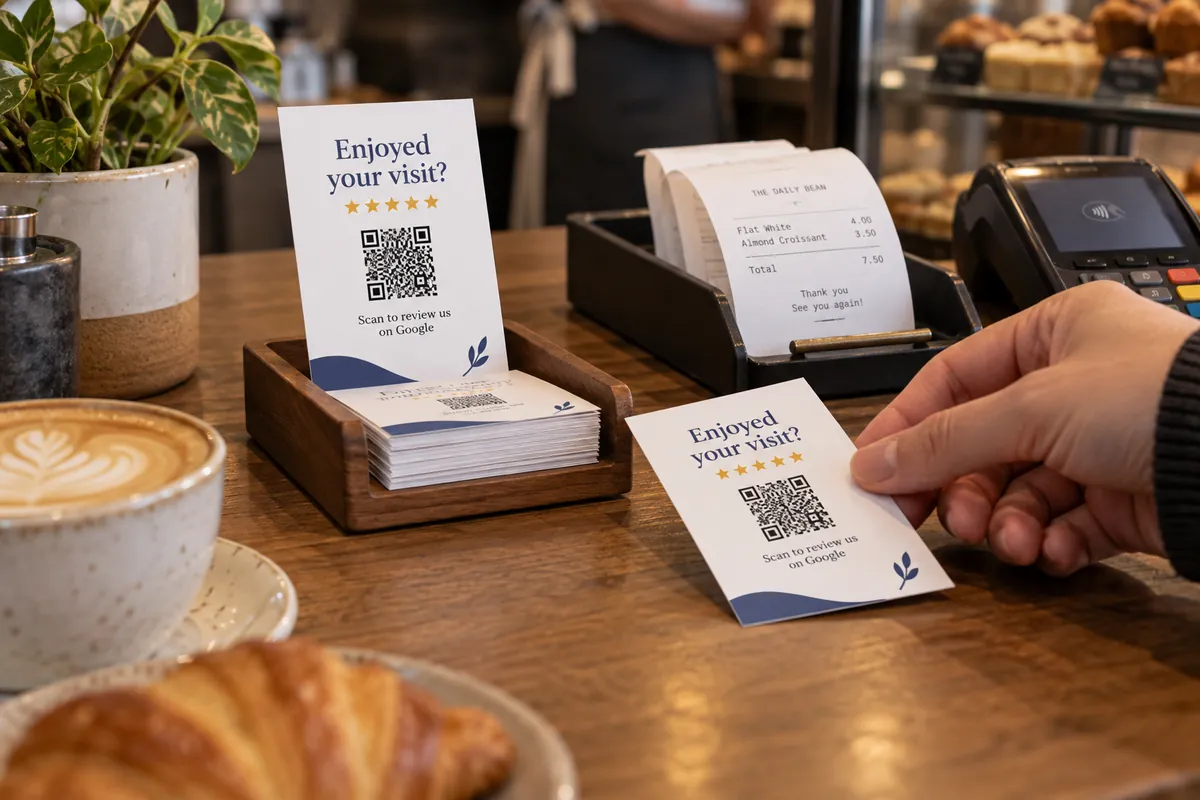
Print a sheet of cards, cut along the dashed lines and put them where people pause: till, receipt tray, table.
Getting more reviews with a card
- Ask at the moment of a good experience — when you hand over the bill or the finished job.
- Keep the text to one sentence and say what the code does: “Scan to review us on Google”.
- Hand the card over in person. A card on the table gets far fewer scans than one you mention.
- Print a few sizes: business-card size for bags and receipts, A6 for counters.
Who hands these out
Restaurants and cafés
Slip a card into the bill folder or print one on the table sign.
Salons and clinics
Hand a card over at checkout, while the visit is fresh.
Tradespeople
Leave a card with the invoice or on the finished job.
Online shops
Add a card to every parcel with a link to your review page.
Next for your review cards
More design & print tools
- Table tent generator — Fold-in-half table signs
- Sticker sheet maker — Many QR stickers on one sheet
- Health report — Score a code before printing
Make just the code
Ideas by industry
Questions, answered
How do I make a review card with a QR code?
Paste your review link, choose a card size and colors, edit the headline and message, then print a full sheet or download a PNG. Everything is built in your browser.
Where do I find my Google review link?
In your Google Business Profile, open “Ask for reviews” and copy the short link. Paste it into the link field here. Yelp, Trustpilot, Tripadvisor and Facebook give you a similar link in their business dashboards.
What size should the card be?
A business-card size (85 × 55 mm) works for handing out or slipping into a bag. Use A6 or A5 for a counter, a table or a receipt tray, where people scan from further away.
How do I print it?
Press Print a sheet. The page is laid out with as many cards as fit on one A4 or US Letter sheet, with dashed cut guides. Print at 100% scale and cut along the guides.
Put a review prompt on the table too
A table sign keeps the ask in view while people finish.
Make a table sign