Keep the contrast
A dark or vivid code on a light background scans best. Test with your phone camera before printing.
Type your username, style your code, download in high resolution. Everything on one screen — no steps, no sign-up.
Your profile
Design
Low contrast: phones may not find the code. Pick a darker corner color.
A dark or vivid code on a light background scans best. Test with your phone camera before printing.
For posters and packaging, keep the code at least 2 × 2 cm. Use the SVG export for perfectly sharp large prints.
Counters, tables, receipts, packaging and story highlights are where a follow is one scan away.
Everything on this page happens in your browser: nothing is uploaded and nothing is installed.
Type your Instagram handle or paste a full instagram.com profile link. The QR code appears instantly in the live preview.
Keep the signature Instagram gradient or pick your own colors, background, dot shapes and corners. Swap the center icon for your logo.
Export a crisp 2048px PNG for screens and social, or a vector SVG that stays sharp at any print size — both free, both watermark-free.
Nobody wants to type a username into search while standing at your counter. A QR code makes following you a two-second gesture — point, scan, follow.
Put your Instagram QR code anywhere people pause for a moment — every placement is a chance to gain a follower.
Add the code next to your name so new contacts land on your profile — and your latest work — instantly.
Table tents and menus turn waiting time into browsing time. Diners tag you in stories while the food arrives.
Every box you ship is a billboard. A scan brings customers to your feed for styling ideas and new drops.
A window sticker works even when you're closed — passers-by can follow now and visit later.
Drop the code on your closing slide or badge. The audience follows you before the applause ends.
Photographers, artists and makers: place a code beside your work so admirers become followers on the spot.
An Instagram QR code opens your profile (or a specific post or reel) in the Instagram app when scanned, and in the browser if the app isn't installed. It is a plain link underneath, so it works on every phone camera and never expires.
Printing a code that points to a private account. Visitors who aren't following you see a locked profile, so switch the account to public first or link somewhere else.
The code opens your profile in the Instagram app if it is installed, and in the browser if it is not.
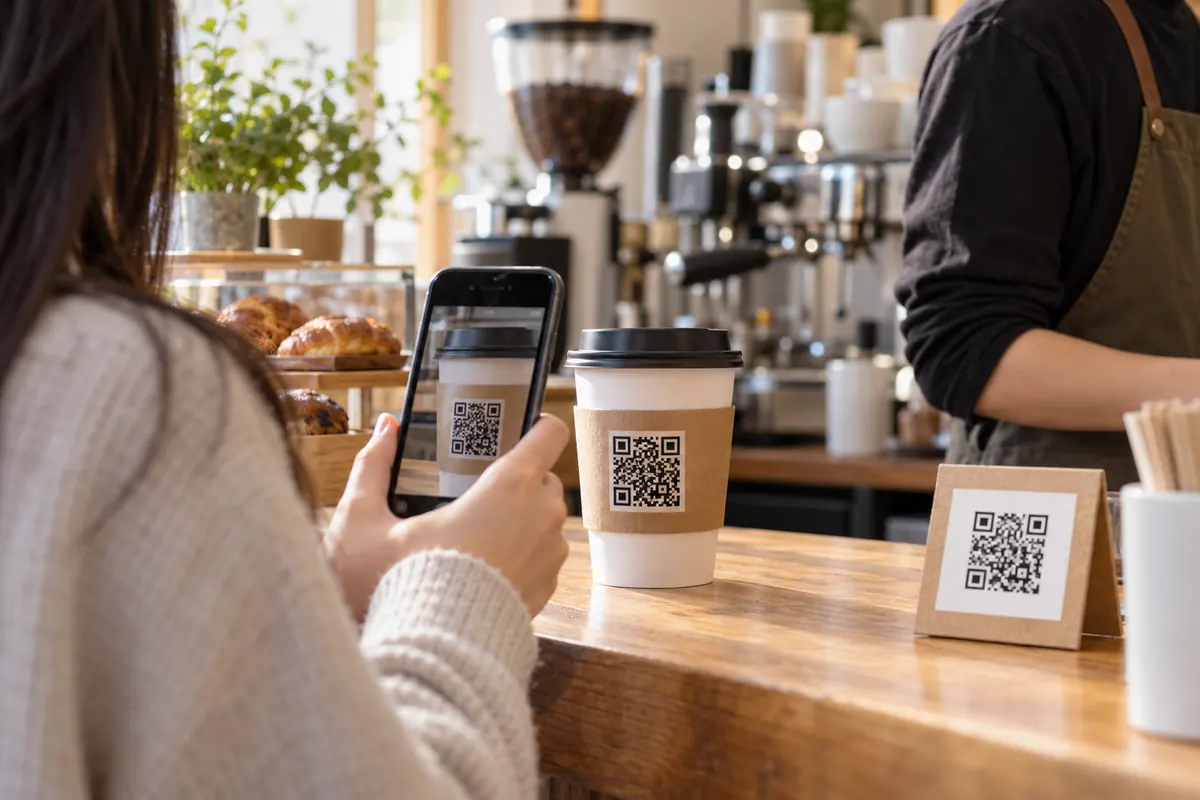
https://www.instagram.com/yourhandleA barista puts the code on the cup sleeve and at the till. Customers scan it, see the latest drinks and follow. It costs nothing and works from any phone camera.
No. Instagram’s code works inside Instagram. This is a standard QR code that any camera reads and that you can style and print anywhere.
Yes. Paste the full link of the post instead of your username.
Type your username in the generator above — that's it. The code is created instantly and points to instagram.com/yourname. Style the colors, shapes and center icon if you like, then download it as PNG or SVG.
Yes — completely. No sign-up, no watermark, no scan limits and no expiry. You can create and download as many codes as you want, for personal or commercial use.
Their phone opens your Instagram profile — in the Instagram app if it's installed, otherwise in the browser. From there, following you is a single tap.
The code encodes your profile URL, so if you rename your account the old link — and the code — will stop working. Just generate a new code with your new username; it takes a few seconds.
Yes. In the Center icon control, choose the upload option and add a PNG or SVG of your logo — transparent backgrounds look best. The generator automatically raises the error-correction level so the code stays reliably scannable.
Completely. The generator runs entirely in your browser — your username and any logo you upload never leave your device or touch a server.
Your Instagram QR code takes about ten seconds — and it's completely free.