Storefront & windows
Let passers-by save your location or share it with a friend without stepping inside.
Paste your location link or type an address, style your code, download in high resolution. Everything on one screen — no steps, no sign-up.
Your location
Design
Low contrast: phones may not find the code. Pick a darker corner color.
Everything on this page happens in your browser: nothing is uploaded and nothing is installed.
Drop in a Google Maps share link, or just type your business name, full address or coordinates. The QR code appears instantly in the live preview.
Keep the clean look or pick your own colors, background, dot shapes and corners. Swap the center pin for your own logo.
Export a crisp 2048px PNG for screens and social, or a vector SVG that stays sharp at any print size — both free, both watermark-free.
Typing an address into Maps is fiddly and easy to get wrong. A QR code opens your exact location and turn-by-turn directions instantly — point, scan, go.
Put your Google Maps QR code anywhere people plan a visit — every placement turns a glance into a visitor.
Let passers-by save your location or share it with a friend without stepping inside.
Add the code so new contacts can navigate to your office or shop with a single tap.
Help delivery guests and walk-ins find you fast, and boost pickup orders.
Point customers back to your store or a return drop-off location on every parcel.
Get attendees to the right entrance, car park or booth without the guesswork.
Put the exact property location on listings, signs and brochures for easy viewings.
A Google Maps QR code opens your location with directions. It's ideal for invitations, flyers and shop signs.
Dropping a pin in the wrong spot. Check the location before printing.
The code opens a location in the maps app, either by coordinates or by a place name or address.
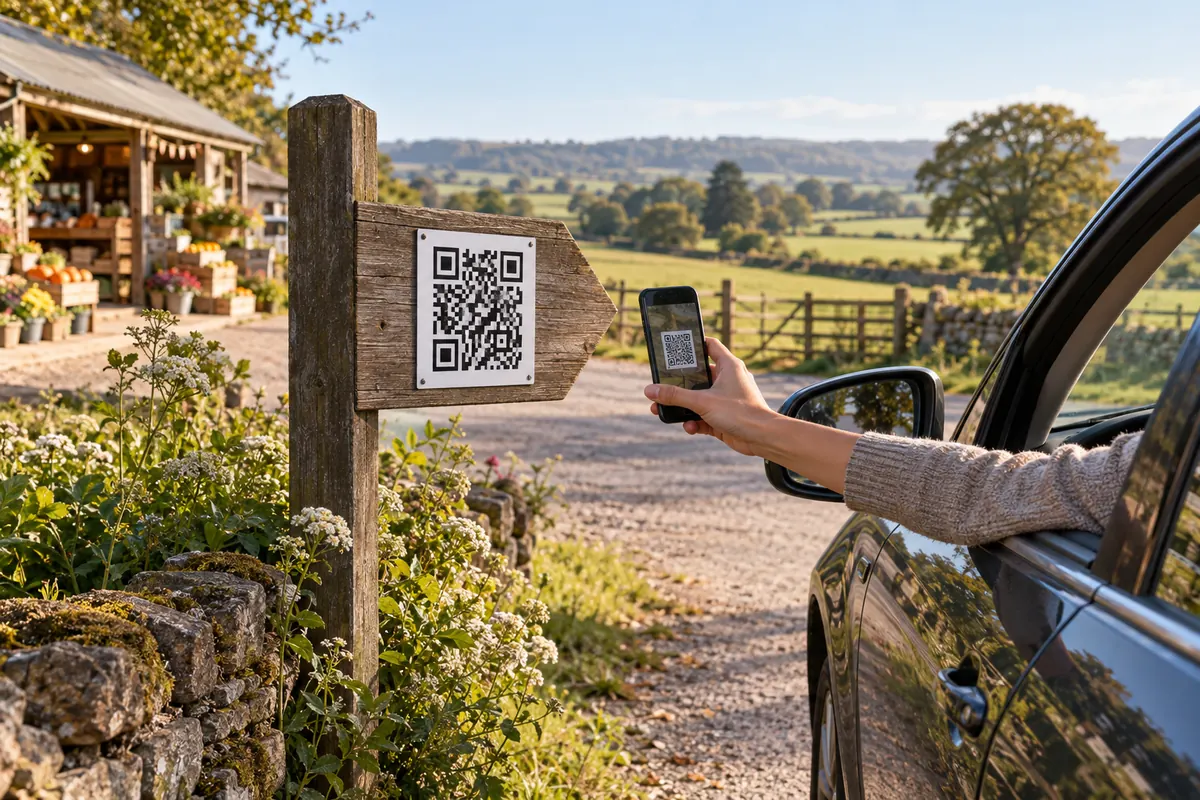
https://www.google.com/maps/search/?api=1&query=48.8584,2.2945A farm shop prints the code on its roadside sign. Visitors scan it and get directions from where they stand. For the car park round the corner, the code uses coordinates.
An address is easiest. Use coordinates when the address does not lead to the right entrance.
It opens the maps app the phone is set to use for web map links.
Paste your Maps link in the generator above — or simply type your business name or address. The code is created instantly and opens your location. Style the colors, shapes and center icon if you like, then download it as PNG or SVG.
In Google Maps, search your place, tap "Share", and copy the link. On desktop, click the place, then "Share" → "Copy link". Paste that link here — short goo.gl and maps.app.goo.gl links work too.
Yes. Type a full address (e.g. "1600 Amphitheatre Pkwy, Mountain View") or latitude,longitude coordinates (e.g. "37.4220,-122.0841") and the code will open a Maps search for that exact spot.
Scanning opens your location in Google Maps, where the "Directions" button is one tap away. If you paste a Maps directions link, it can even open with the route pre-loaded.
Yes — completely. No sign-up, no watermark, no scan limits and no expiry on the code. You can create and download as many as you want, for personal or commercial use.
Their phone opens your location — in the Google Maps app if it's installed, otherwise in the browser. From there they can navigate, save the place, call you or read reviews.
Your Google Maps QR code takes about ten seconds — and it's completely free.