Table tents
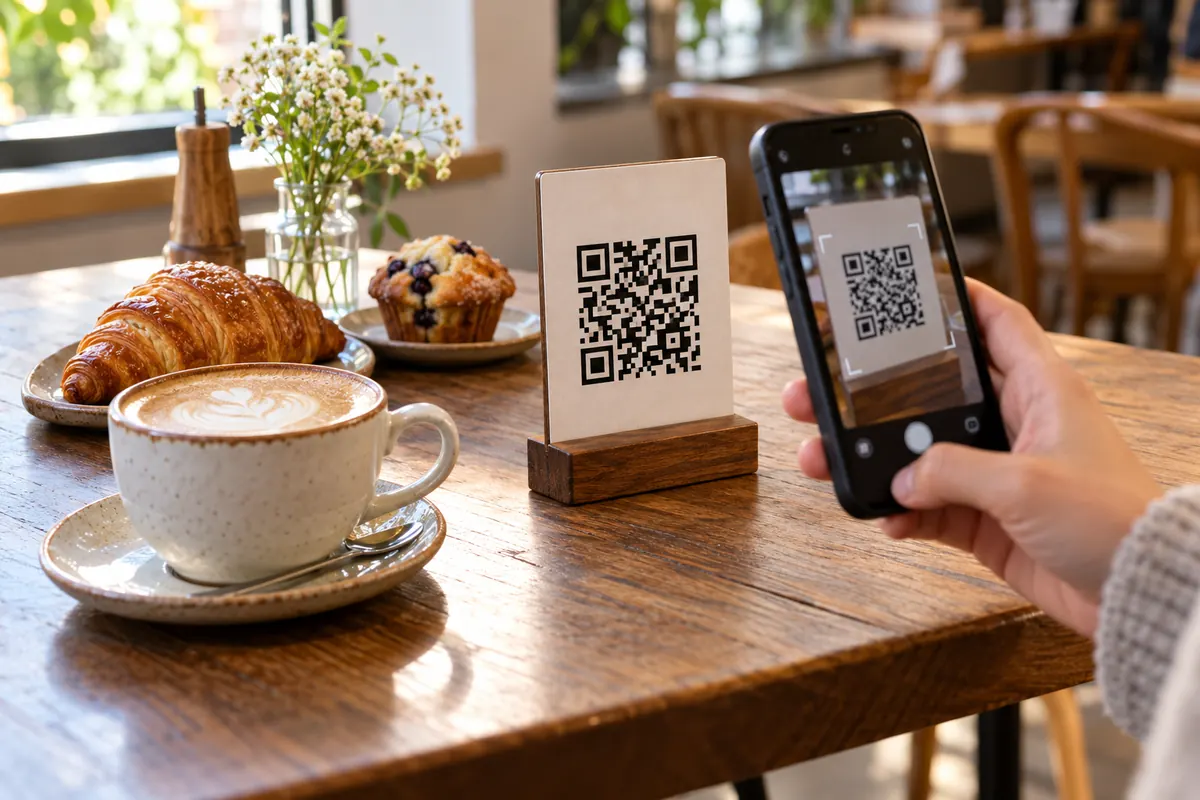
A code on every table lets guests browse the menu and order the moment they sit down — no flagging down staff.
Your menu link
Design
Low contrast: phones may not find the code. Pick a darker corner color.
Everything on this page happens in your browser: nothing is uploaded and nothing is installed.
Use your menu web page, a hosted PDF, or your online ordering link. Copy the address — that's what the code will open.
Drop the link in the generator and the QR code appears instantly. Match it to your brand with colors, shapes and your own logo.
Export a crisp 2048px PNG or a vector SVG, then print it on table tents, windows, flyers and takeaway bags — free and watermark-free.
Printed menus wear out, cost money to reprint and can't change with your specials. A QR code opens your live menu on every guest's own phone.
Put your menu QR code anywhere people pause before they order — every placement gets them to your menu faster.
A code on every table lets guests browse the menu and order the moment they sit down — no flagging down staff.
Let passers-by check your menu and prices before they walk in — even when you're closed.
Print the code on bags and receipts so customers reorder from home in a single scan.
A small stand by the till shows drinks, specials and add-ons while people wait to order.
Turn printed promotions into menu views — new dishes and offers are one scan away.
Share set menus and drink lists at weddings, markets and pop-ups without printing a stack of cards.
A menu QR code links guests to your menu on their own phone, so you can update it without reprinting.
Linking to a very large PDF. It loads slowly on mobile data.
A menu code is just a web address. What matters is the page behind it: it must load fast on mobile data and fit a phone screen.
https://yourcafe.example/menuA restaurant links the code to a page with the menu and a dish of the day. The owner updates prices on the page and the printed table signs stay as they are — the code never changes, only the page does.
A page is easier to read and to update. A PDF is quicker to make. If you use a PDF, keep it under a few megabytes.
Yes, if the code points to a page or file you control: change what is on that page.
Get a link to your menu — a menu web page, a hosted PDF or your online ordering page. Paste that link into the generator above and the code is created instantly. Style the colors, shapes and center icon to match your brand, then download it as PNG or SVG.
Save your menu as a PDF and upload it somewhere with a public link — your website, Google Drive or Dropbox. Paste that link here and the code will open the PDF. If you need a QR that points to a hosted PDF specifically, our PDF QR tool is built for exactly that.
Yes — completely. No sign-up, no watermark, no scan limits and no expiry. You can create and download as many codes as you want, for one restaurant or a whole chain.
Their phone opens your menu link — the menu page, PDF or ordering site — full-screen in the browser. No app to download, nothing to install.
Yes — as long as you keep the link the same. Update the page or replace the PDF at the same URL, and every code you've already printed will show the new menu automatically. If the link changes, just generate a fresh code.
Yes. Pick your brand colors and shapes, and in the Center icon control choose the upload option to add your logo — transparent PNG or SVG looks best. The generator raises the error-correction level automatically so the code stays reliably scannable.
Your menu QR code takes about ten seconds — and it's completely free.