Invoices
Add a code so clients pay the moment they open it.
Get paid faster. Paste your payment link and download a code customers scan to check out — on invoices, counters, market stalls, service vans and more.
Your payment link
Design
Low contrast: phones may not find the code. Pick a darker corner color.
Everything on this page happens in your browser: nothing is uploaded and nothing is installed.
Paste your payment link above and the QR code appears instantly — nothing to sign up for and nothing to install.
Pick your brand colors, background, dot shapes and corners, or drop your logo in the center.
Export a crisp 2048px PNG for screens and social, or a vector SVG that stays sharp at any print size — both free, both watermark-free.
A payment QR code sends customers straight to your checkout. No hardware to buy, no numbers to read out — just point, scan and pay.
Put your payments QR code anywhere people can point a camera — every scan gets them there faster.
Add a code so clients pay the moment they open it.
A code by the till for fast contactless checkout.
Collect payment on the doorstep with no card reader.
Barbers, cleaners and trades get paid on completion.
Share a code on quotes and contracts to speed up payment.
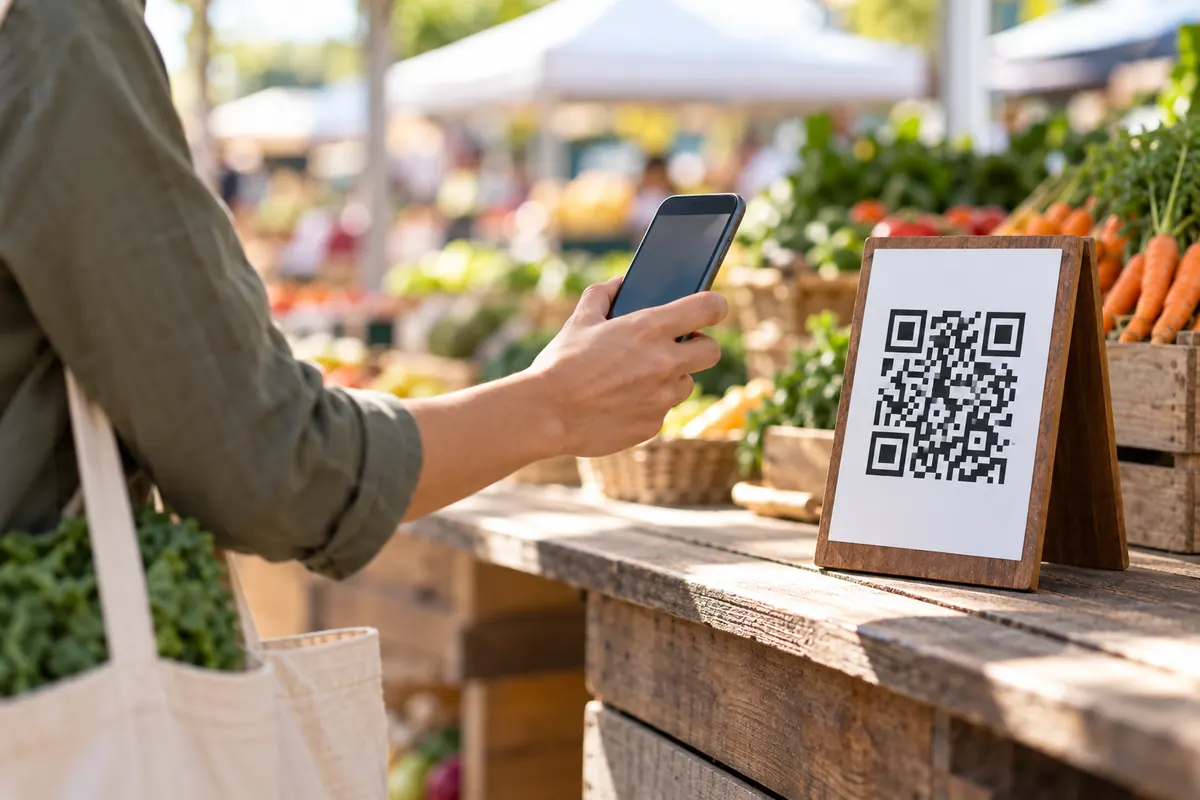
Take payments from a stand without a terminal.
A payments QR code links to a payment page, such as an invoice, checkout or payment request. The scanner completes the payment on that page.
Putting the code on printed material without a visible business name. Customers should be able to verify who they're paying.
A payment code is a link to a payment page. Some providers accept an amount in the link, so the payer only confirms.
https://paypal.me/yourname/12.50A market stall prints the code on the price board. Customers scan, confirm the amount and pay without cash. The seller checks the board every morning.
Any service that gives you a payment link. For PayPal, Venmo, Cash App and crypto use the payment app generator.
If the service supports an amount in its link, add it before pasting.
Paste your payment or checkout link — such as a PayPal.Me or Stripe payment link — then style and download the code.
Any that give you a link: PayPal, Stripe, Revolut, SumUp, Wise, Square and more.
The code just opens your provider’s own secure checkout page — no card details ever touch this tool, which runs entirely in your browser.
If your provider lets you create a link with a set amount, the code will open checkout for exactly that amount.
Your payments QR code takes about ten seconds — and it's completely free.