Video end screens
Add the code to your outro so viewers on a TV or second screen can jump to your channel or next video instantly.
Enter your channel or video, style your code, download in high resolution. Everything on one screen — no steps, no sign-up.
Your channel or video
Design
Low contrast: phones may not find the code. Pick a darker corner color.
Everything on this page happens in your browser: nothing is uploaded and nothing is installed.
Type your YouTube @handle, or paste a channel link or full video URL. The QR code appears instantly in the live preview.
Keep the classic YouTube red or pick your own colors, background, dot shapes and corners. Swap the center icon for your logo.
Export a crisp 2048px PNG for screens and social, or a vector SVG that stays sharp at any print size — both free, both watermark-free.
Nobody wants to pause, open YouTube and type your channel name while scrolling through lookalikes. A QR code takes them straight to your channel — point, scan, subscribe.
Put your YouTube QR code anywhere people can point a camera — every placement is a chance to gain a view or a subscriber.
Add the code to your outro so viewers on a TV or second screen can jump to your channel or next video instantly.
Drop the code on your closing slide and let the whole room open your tutorial or demo at once.
Link buyers to unboxing, setup or how-to videos right from the box — fewer support tickets, more watch time.
Send new contacts straight to your showreel or channel so they see your work, not just your title.
Turn printed promotions into plays — trailers, launches and events are one scan from the big screen.
Place codes beside products so customers watch demos and reviews while they browse in-store.
A YouTube QR code opens a video, playlist or channel. Use it on posters, packaging and slides so people can watch without searching.
Using a link with a timestamp or extra parameters you don't need. Keep the address short so the code stays easy to scan.
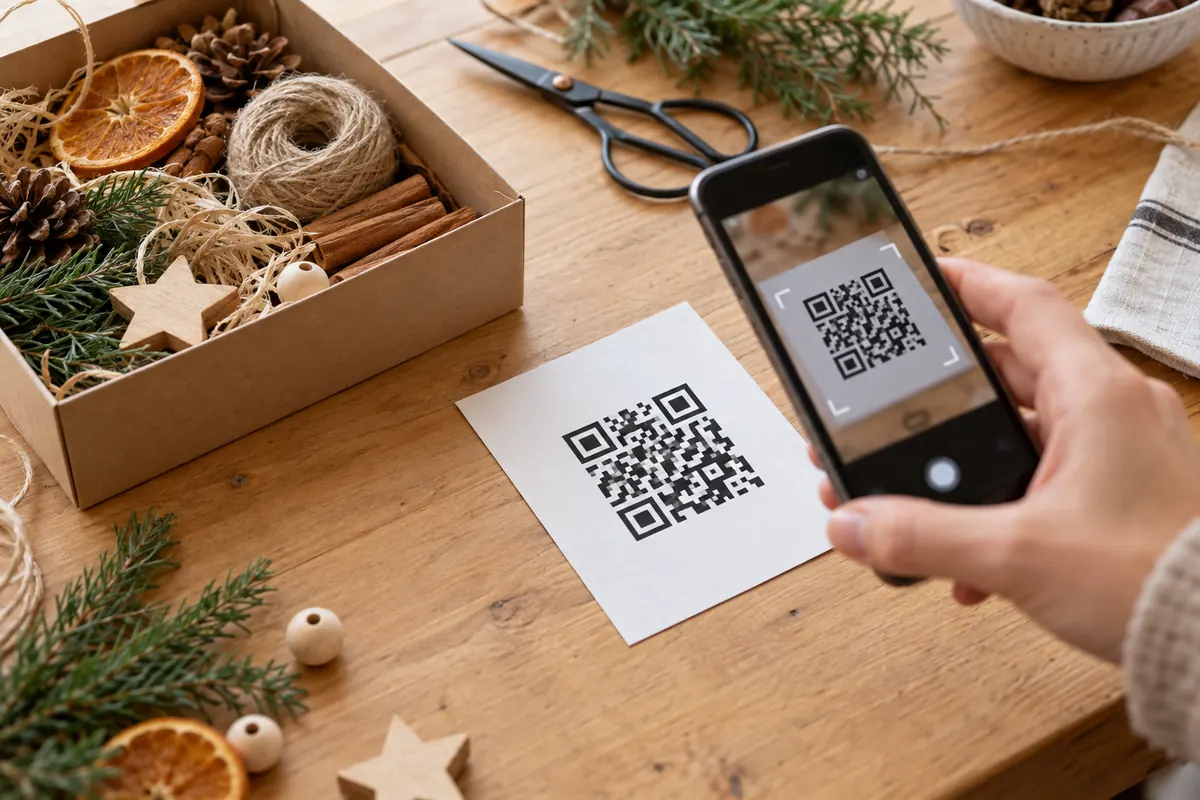
A video link can include a start time with t=. A channel link opens the channel, and a playlist link opens the whole list.
https://www.youtube.com/watch?v=VIDEOID&t=90sA craft studio prints a code on a kit's instruction card that opens the how-to video at the exact moment the first step starts, by adding t=45s to the link.
Yes. Add a start time to the link, for example &t=90s, before you paste it.
Link to the video when the print is about it, and to the channel or a playlist when you will add more.
Type your channel @handle in the generator above — that's it. The code is created instantly and points to youtube.com/@yourchannel. Style the colors, shapes and center icon if you like, then download it as PNG or SVG.
Yes. Paste the full video URL (or a youtu.be short link) into the field and the code will open that exact video. The same works for playlists and Shorts.
Yes — completely. No sign-up, no watermark, no scan limits and no expiry. You can create and download as many codes as you want, for personal or commercial use.
Their phone opens your channel or video — in the YouTube app if it's installed, otherwise in the browser. From there, subscribing or watching is a single tap.
The code encodes your channel URL, so if you change your @handle the old link — and the code — will stop working. Just generate a new code with the new handle; it takes a few seconds.
Your YouTube QR code takes about ten seconds — and it's completely free.