Shops & services
A sticker at the counter or window lets customers ask about stock, prices and hours without calling.
Enter your number, add an optional pre-filled message, style your code and download in high resolution. One scan starts the chat — no saving contacts, no typing.
Your chat
Design
Low contrast: phones may not find the code. Pick a darker corner color.
Everything on this page happens in your browser: nothing is uploaded and nothing is installed.
Type your WhatsApp number with the country code and, if you like, a message that will be pre-filled when the chat opens.
Keep the signature WhatsApp green or pick your own colors, background, dot shapes and corners. Swap the center icon for your logo.
Export a crisp 2048px PNG for screens and social, or a vector SVG that stays sharp at any print size — both free, both watermark-free.
Saving a number, finding the contact, opening WhatsApp — that's where customers give up. A QR code collapses it all into one scan that opens the chat, ready to send.
Put your WhatsApp QR code anywhere a question might come up — every placement is a conversation waiting to start.
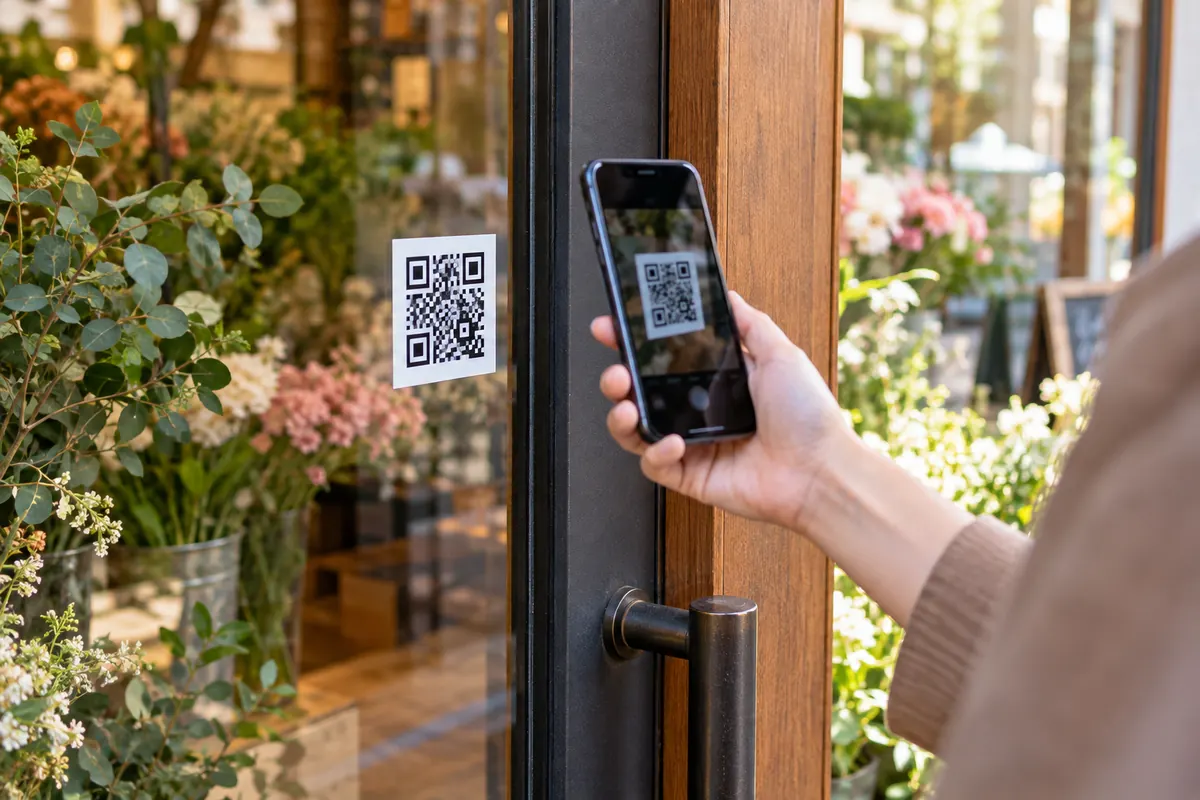
A sticker at the counter or window lets customers ask about stock, prices and hours without calling.
Skip "save my number" — one scan opens a chat, and the conversation is already started.
Put support one scan away: order questions, warranty claims and reorders go straight to your chat.
Take reservations and orders over WhatsApp — the pre-filled message can even say "I'd like to order".
Vans, flyers and quotes with a scan-to-chat code make you the easiest person to hire.
On listing signs and brochures, buyers can ask about a property the moment they're standing in front of it.
A WhatsApp QR code opens a chat with your number, optionally with a pre-filled message. It is widely used by shops, clinics and service businesses.
Leaving out the country code. The chat opens to the wrong number or fails entirely.
The phone number is in international format without + or zeros, and the message is URL-encoded. The code opens a chat with the message ready to send.
https://wa.me/15551234567?text=Hello%20BestQRA florist prints the code on the shop window with the message “I would like to order flowers”. Passers-by scan it after closing time and the chat is waiting for her in the morning.
Yes. It opens a chat with the number, personal or business.
Yes. Add text to the message field and the chat opens with it typed in, ready to send.
Type your phone number with the country code in the generator above — that's it. The code is created instantly and points to your wa.me link. Add an optional pre-filled message, style the design, then download it as PNG or SVG.
Their phone opens a WhatsApp chat with your number — in the app if it's installed, otherwise in WhatsApp Web. If you added a pre-filled message, it's already typed and ready to send.
Yes — completely. No sign-up, no watermark, no scan limits and no expiry. You can create and download as many codes as you want, for personal or commercial use.
No — that's the point. The wa.me link opens a chat with your number directly, even if the person has never contacted you before.
Yes. wa.me links work identically for personal and WhatsApp Business numbers — customers scanning the code will see your business profile, catalog and quick replies as usual.
The code encodes your wa.me link, so it's tied to the number. If you change numbers, generate a new code — it takes a few seconds.
Yes. In the Center icon control, choose the upload option and add a PNG or SVG of your logo — transparent backgrounds look best. The generator automatically raises the error-correction level so the code stays reliably scannable.
Your WhatsApp QR code takes about ten seconds — and it's completely free.