Invitations
Weddings, birthdays and parties — guests save the date and details the moment they open the card.
Fill in your event, style your code, download in high resolution. One scan adds the whole event — date, time and place — straight to any phone's calendar.
Your event
Design
Low contrast: phones may not find the code. Pick a darker corner color.
Everything on this page happens in your browser: nothing is uploaded and nothing is installed.
Type the title, pick a start and end time, and add a location or notes if you like. The QR code appears instantly in the live preview.
Match your brand with colors, background, dot shapes and corners, or drop your own logo in the center of the code.
Export a crisp 2048px PNG for screens and social, or a vector SVG that stays sharp at any print size — both free, both watermark-free.
Typing an event into a calendar is fiddly, and people mistype the time or skip it entirely. A QR code drops the whole event in with a single scan — nothing to get wrong.
Put a calendar QR code anywhere you announce a date — every scan puts your event on someone's schedule.
Weddings, birthdays and parties — guests save the date and details the moment they open the card.
Print the code on tickets so attendees add the show, match or conference to their calendar instantly.
Include the join link in the event so a single scan books the session and keeps the meeting URL handy.
Turn a printed announcement into a real reminder — no one has to copy the date by hand.
Let shoppers set a reminder for a launch, sale or grand opening so they come back on the day.
Share course dates, exam times and due dates as scannable events students can't misremember.
A calendar QR code adds an event to the scanner's calendar, with title, time, place and notes. Posters and invitations use it so people don't forget.
Forgetting the end time. Without one, some calendar apps assign a default length that doesn't match your event.
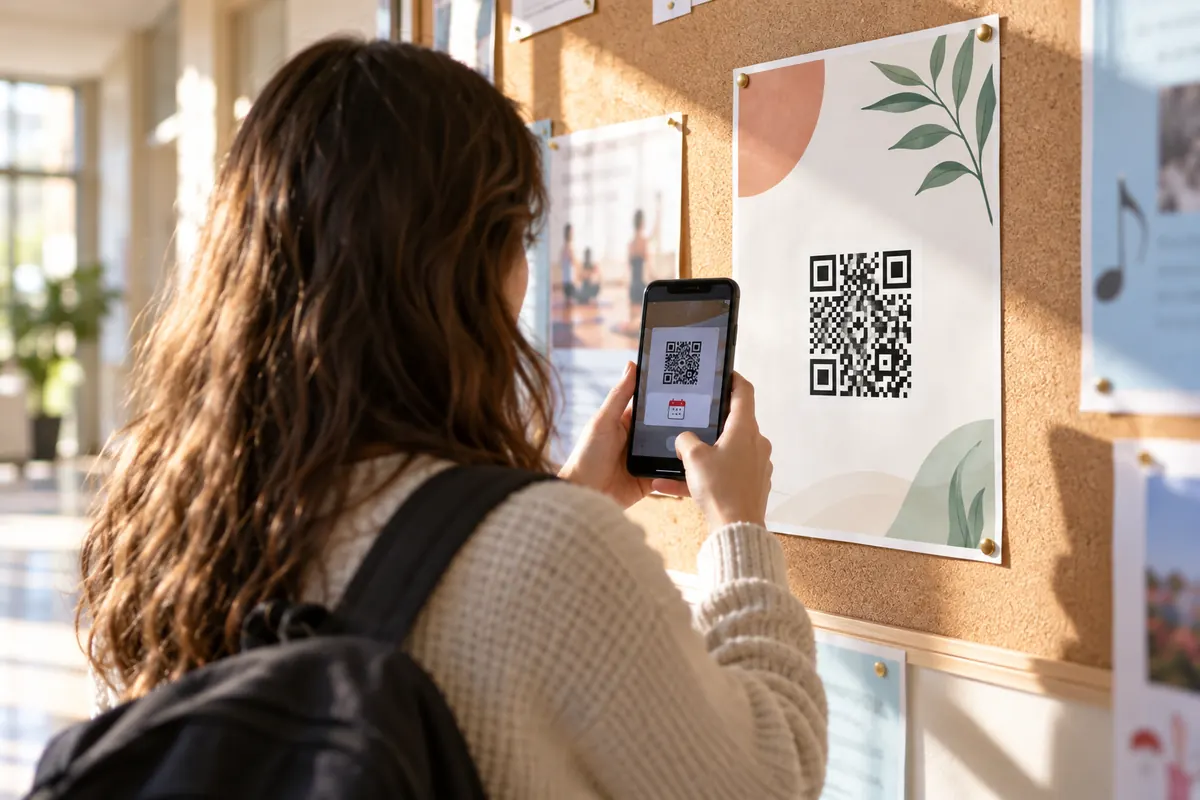
The code contains the event itself in the iCalendar format. The phone offers to add it to the calendar with title, time and place.
BEGIN:VEVENT
SUMMARY:Open house
DTSTART:20261114T100000Z
DTEND:20261114T120000Z
LOCATION:12 Main St
END:VEVENTA school prints the code on an invitation. Parents scan it and the open evening is in their calendar with the right time and room, with no typing.
iPhones and most Android calendars offer to add the event. Some apps open the file in the calendar app first.
Print a new code. If the date may move, use a code to a page that always shows the current time instead.
Fill in the event title and start time in the generator above — those are all that's required. Add an end time, location and notes if you want, and the code is created instantly. Style the colors, shapes and center icon, then download it as PNG or SVG.
Their phone reads the event and offers to add it to their calendar — with the title, time, location and notes already filled in. They just confirm, and it's saved with any default reminders.
The code uses the standard iCalendar event format, which Apple Calendar, Google Calendar and Outlook all understand. On most phones the camera app handles it directly with no extra app needed.
The times you enter use your device's current time zone, and the code stores them so they show correctly wherever they're scanned. For all-day events, switch on the All-day toggle so no specific time is attached.
Yes — completely. No sign-up, no watermark, no scan limits and no expiry. You can create and download as many event codes as you want, for personal or commercial use.
Yes. Pick your brand colors and shapes, and in the Center icon control choose the upload option to add your logo — transparent PNG or SVG looks best. The generator raises the error-correction level automatically so the code stays reliably scannable.
Your calendar QR code takes about ten seconds — and it's completely free.